Client presentations and collaboration
for architects and designers
Present your work.
Keep every comment.
Drawings, renders, 3D, and video in one link. Clients and consultants open it on any device and comment right on the work.
Whatever you model or render in, pin it up here.
 Rhino
Rhino Enscape
 Lumion
 D5 Render
 Twinmotion
Bring renders, video, 360s, drawings, and GLB models from any of them, plus your PDF and PowerPoint decks. No plugin needed. Or paste your website for a free first deck.
The problem
The work gets lost between versions.
You just sent NewFinal-v15, and the client is still commenting on v12. Today, feedback is scattered across emails, calls, and screenshots.
One link replaces the attachments. Update it, and everyone sees the latest version, comments and all.
Your client, your consultants, and your team finally work in one place, on the same version.
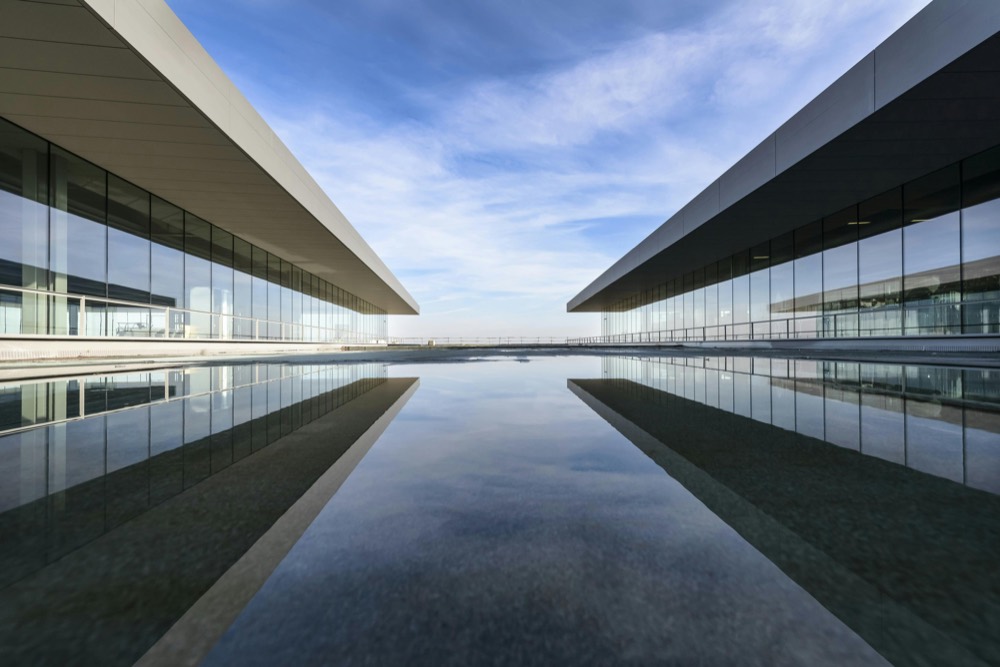
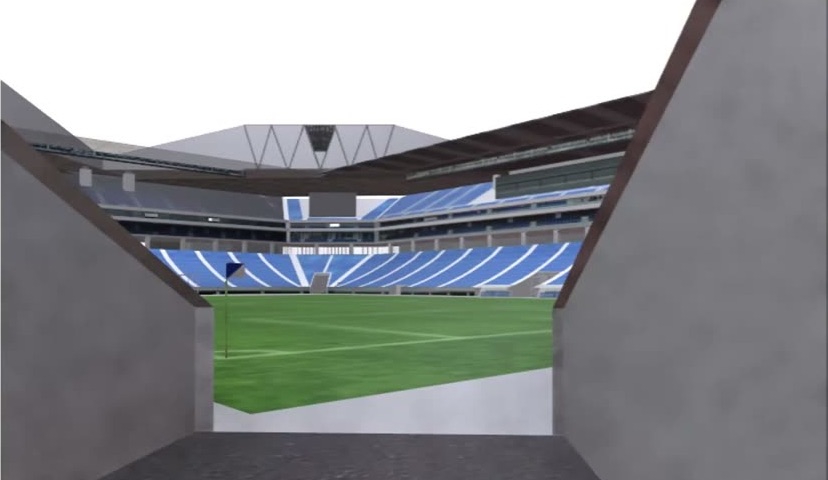
One link replaces the attachments. Update it, and everyone sees the latest version, comments and all.
Your client, your consultants, and your team finally work in one place, on the same version.
One link replaces the attachments. Update it, and everyone sees the latest version, comments and all.
Your client, your consultants, and your team finally work in one place, on the same version.
“It’s about getting your customer, your clients, and your stakeholders in the same sandbox so that everything’s in one place. It’s a single source of truth.”

Anthony Frausto-Robledo
Morehouse MacDonald · Architosh
Presentations
Presentations as elegant
as your designs.
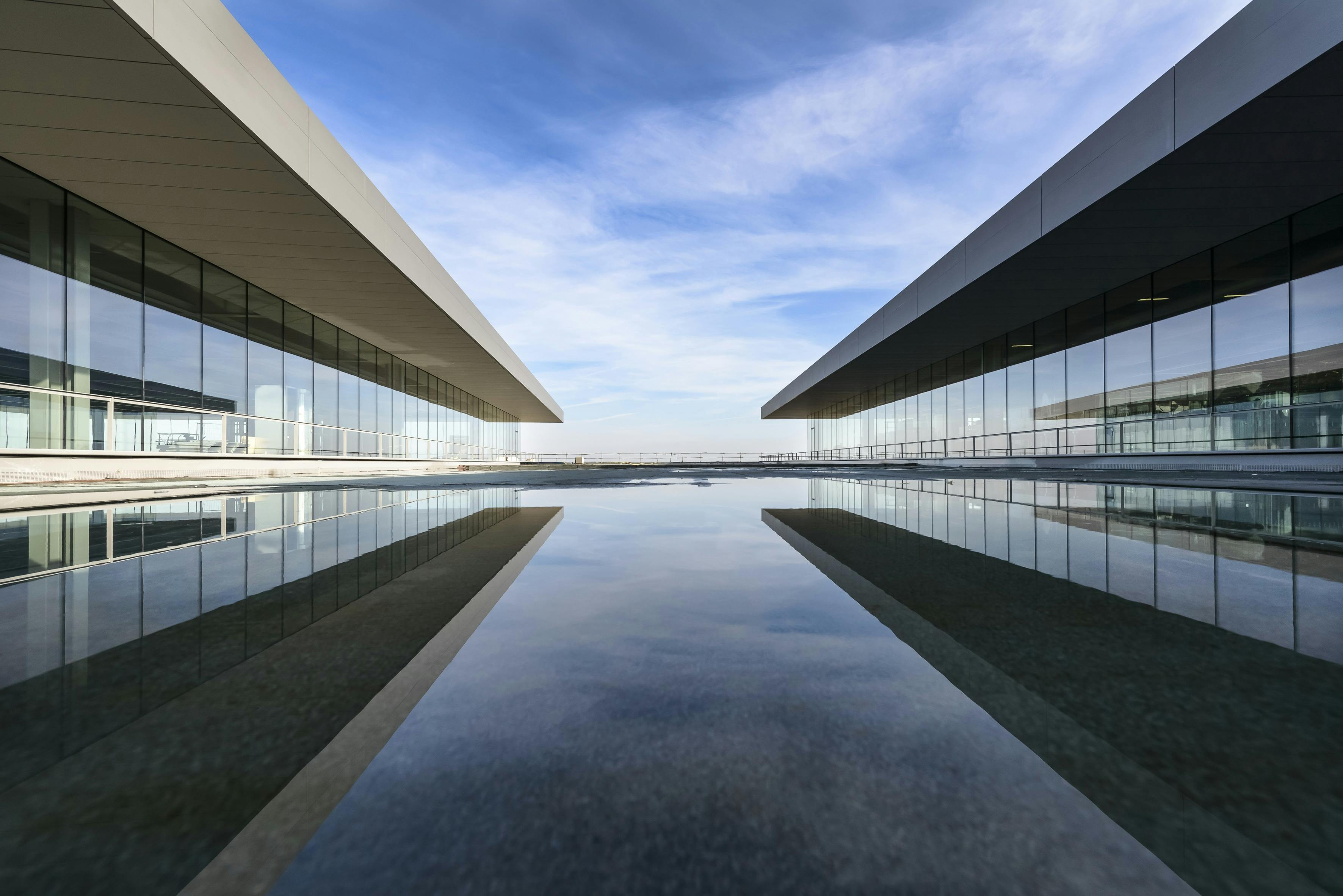



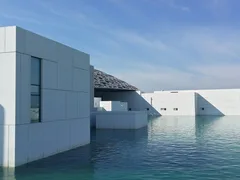
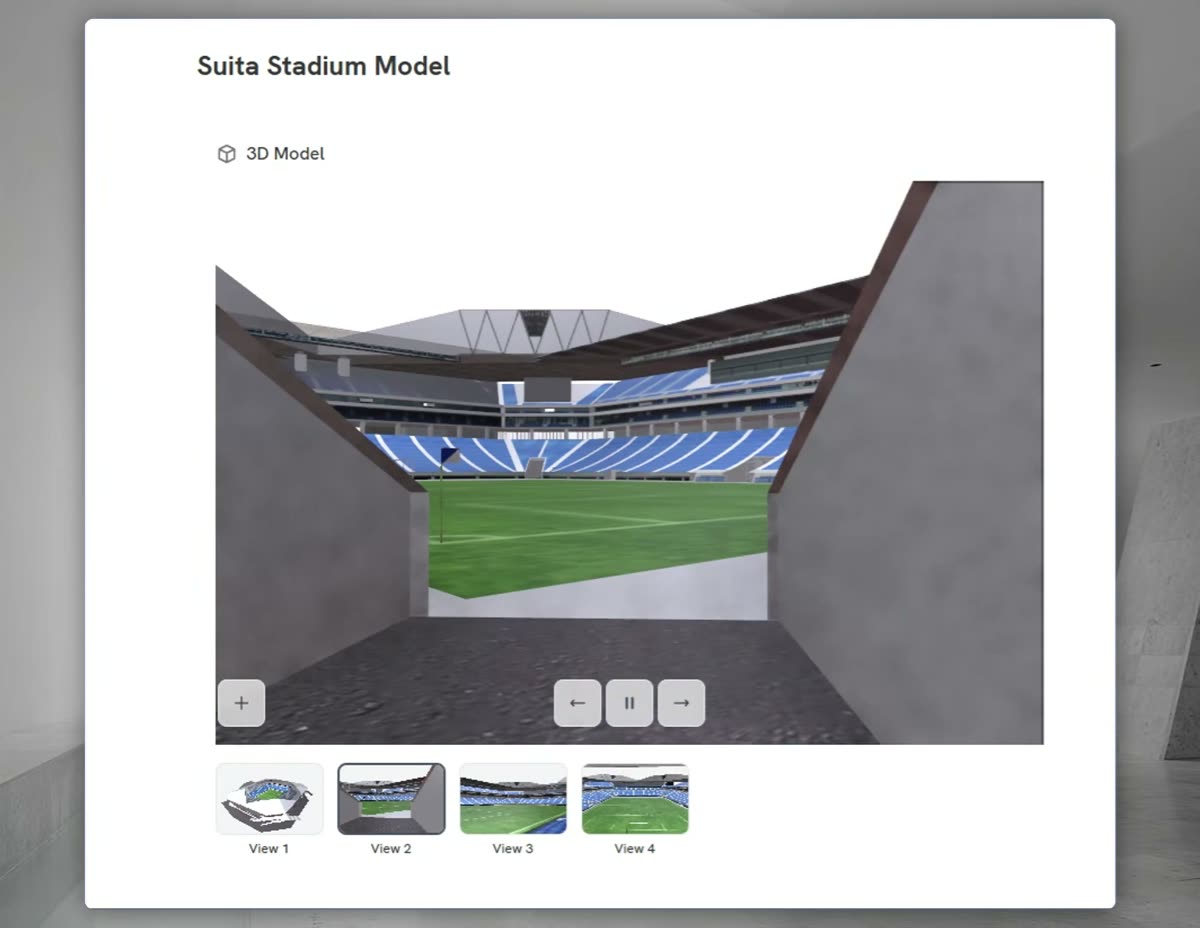
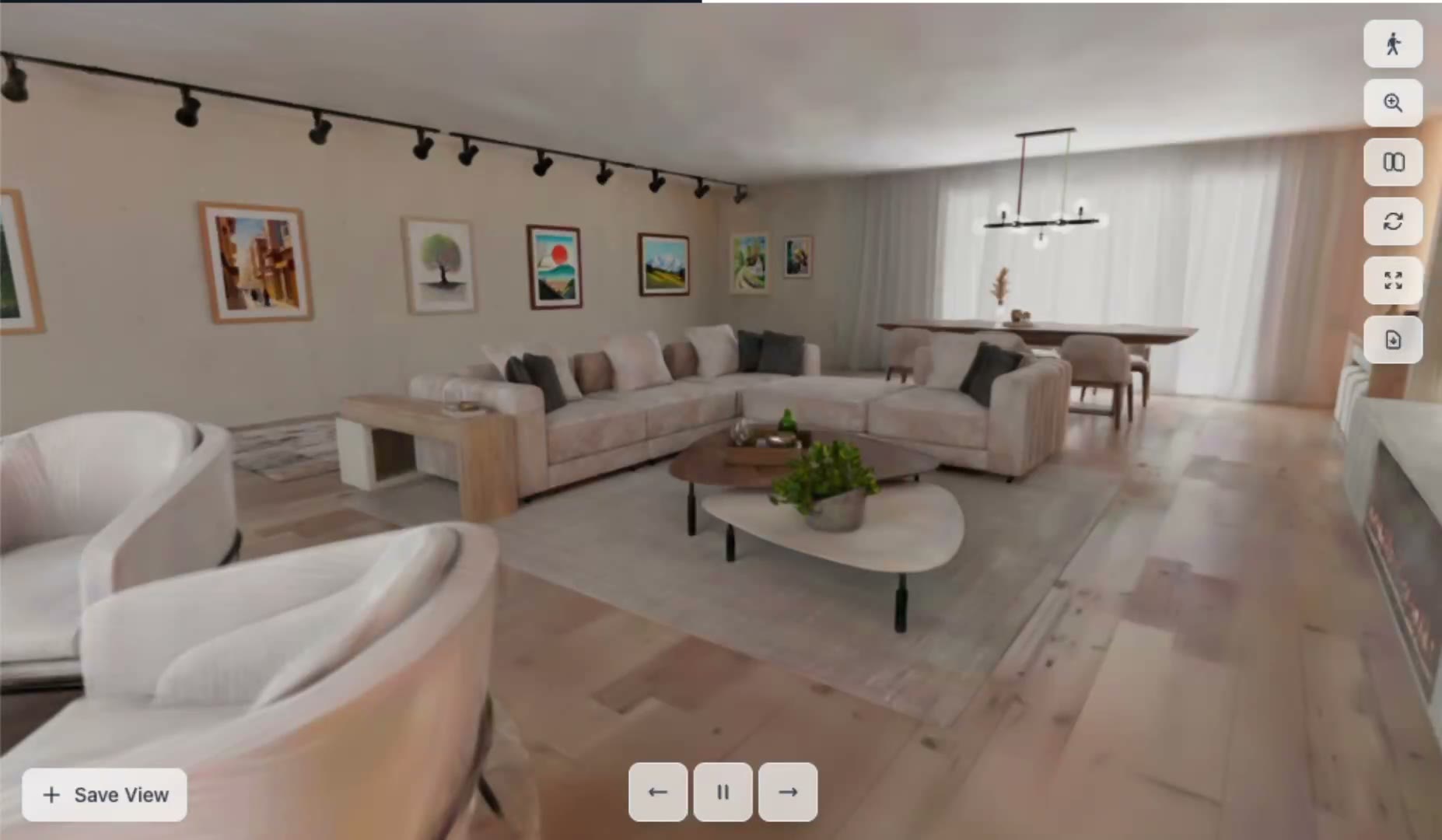
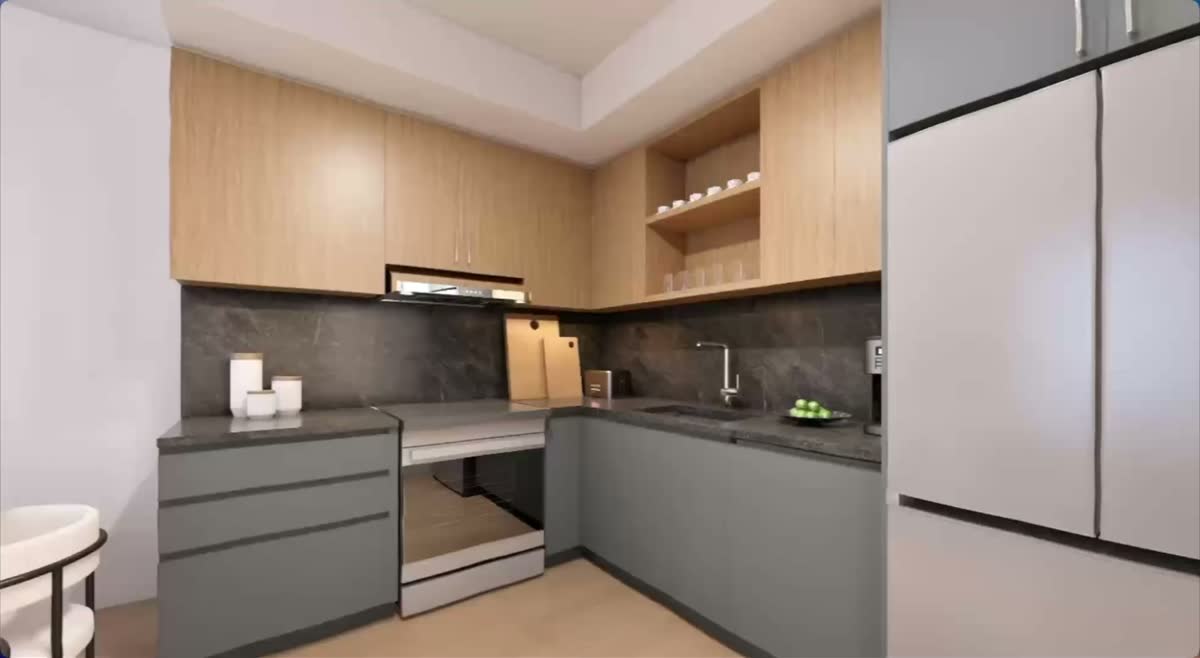
Drop in renders, drawings, models, or a past deck, and Foveate drafts a presentation on your brand. Anyone on the team can refine it. No InDesign specialist needed.
AI drafts the first version, and you finish it. Your work is never used to train AI models without your written consent.
Boards
Work it out on a board.
Make the deck from it.
Pin up references, mark up drawings, and sort the options with your team on one canvas. When it is ready, select the frames and Foveate makes the deck.

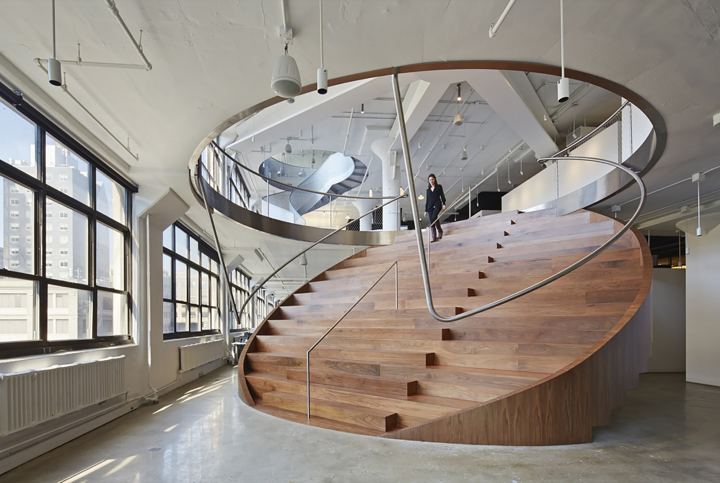
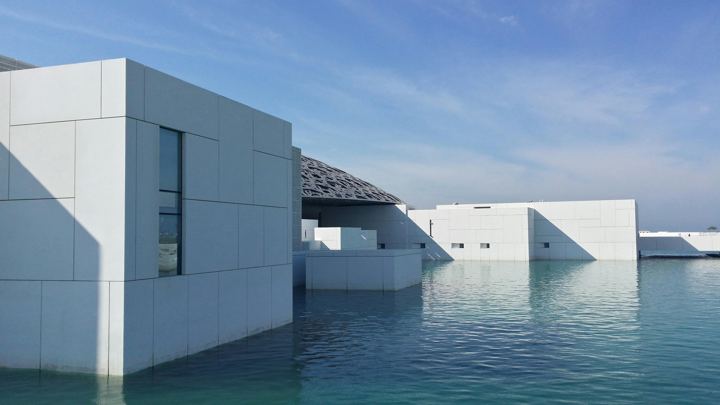

Oak
Warm timber at hand height, where people touch the building.
Stone
Pale limestone floors that carry the light.
Fins
Vertical glass fins shade the west face.
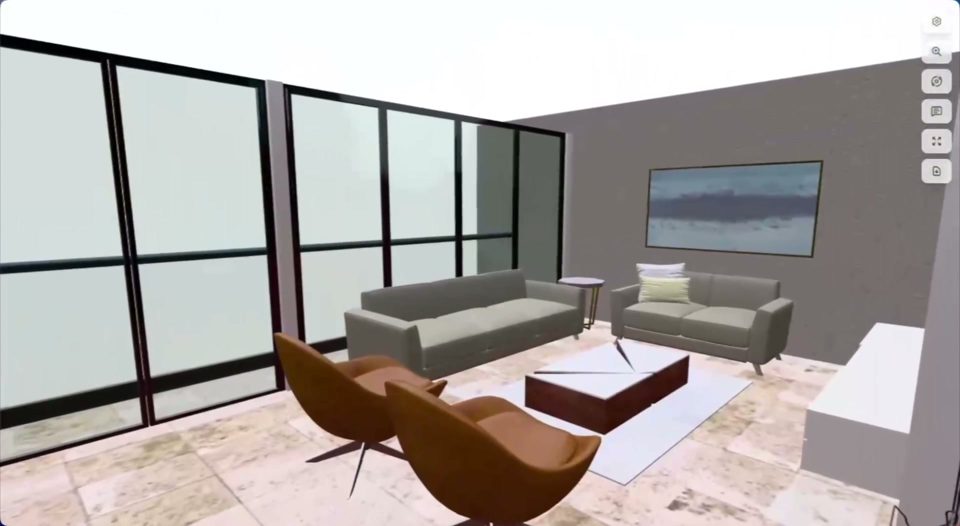
Living
Seating faces the west glazing and the harbor.
Dining
A long stone table under the pendant line.
Finishes
Travertine floor, walnut, and soft gray upholstery.
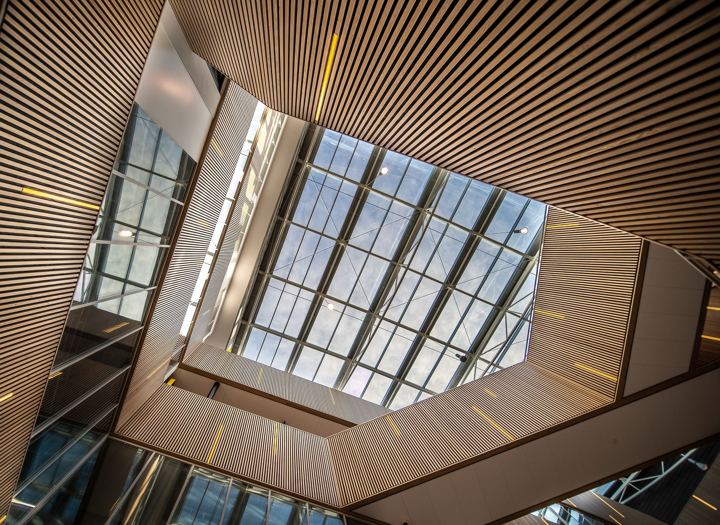
 Share
ShareOak
Warm timber at hand height, where people touch the building.
Stone
Pale limestone floors that carry the light.
Fins
Vertical glass fins shade the west face.
Living
Seating faces the west glazing and the harbor.
Dining
A long stone table under the pendant line.
Finishes
Travertine floor, walnut, and soft gray upholstery.
Oak
Warm timber at hand height, where people touch the building.
Stone
Pale limestone floors that carry the light.
Fins
Vertical glass fins shade the west face.
Living
Seating faces the west glazing and the harbor.
Dining
A long stone table under the pendant line.
Finishes
Travertine floor, walnut, and soft gray upholstery.
 Already on Miro? Import your board with its frames, stickies, pictures, and PDFs, then make the deck from it.
Client feedback
Every comment, on the work
and on the record.
Clients, consultants, and your team mark up the slides directly, with no account to make, so feedback doesn't vanish when the Zoom call ends.


Context

Site and arrival
Level 2 plan

2 hours ago

20 minutes ago
 Drawing on this slide
Just now
- Markup that stays on the slide
- Comments, drawings, and video notes stick to the work, not to a screen share.
- Decisions on the record
- Every comment keeps a name and date, so what the client asked for is in writing after every review. Mark it resolved, and the history stays.
- One room per project
- Decks, drawings, and files live in one room you share with the client.
Free templates
Start from a template made
just for architects and designers.
Concept presentations, portfolios, statements of qualifications, and fee proposals, built in Foveate around placeholder projects. Open one and make it yours.
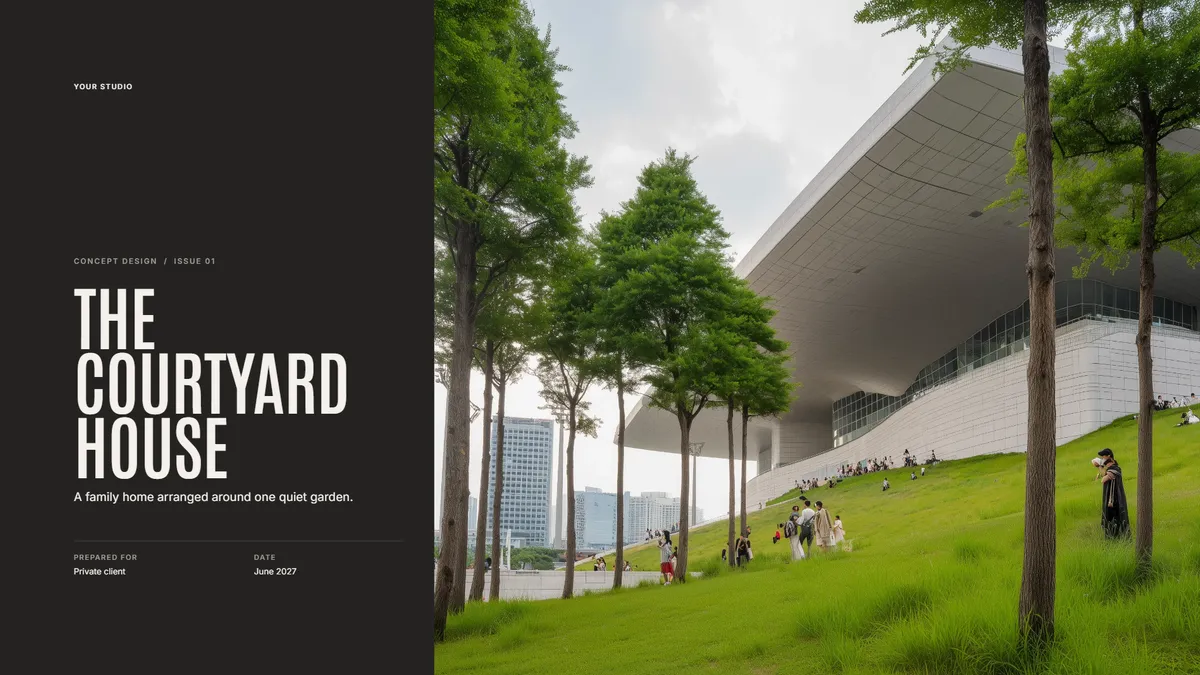
Presentations
Concept Design Presentation
Walk a client through the site, the big idea, and the first massing.

Case studies
Portfolio (Split Grid)
Your best work in one link you can send to anyone. Text and pictures side by side, on a Swiss grid.

Proposals
Statement of Qualifications (Board Grid)
Firm profile, relevant projects, and key people for an RFQ. Laid out like a presentation board, in labelled panels.

Proposals
Fee Proposal (Bento Grid)
Scope, phases, and fees laid out clearly, with your work beside them. Every part sits in its own rounded tile.
After you share it
Understand what matters
to your clients the most.
See which slides each person spent time on and what they asked, so the next meeting starts where they are.
 Sarah A.Client lead
Opened 3 times · Most time on Massing options
14min Markus R.Board member
Opened twice, last on Tuesday · Most time on Phasing
9min Dinesh K.Consultant
First opened today · Most time on 3D walkthrough
4min
“Can we walk the board through option B before Thursday?”
- Opens and time per section
- Per person, not per link.
- A note when they open it
- Hear about it the moment the client opens the link.
- They ask your deck, not ChatGPT
- Clients ask the presentation their questions. It answers from your work, and you see every question.

Use it from Claude
Run Foveate from the agent you already use.
Connect Claude once, then ask it to build a presentation, share it with your consultants, reply to comments, or research a client. It works in your account, as you, and you approve what it can do.
Foveate
Claude
Your context
Draft the Harbor Street design review and share it with the consultants.
For new work
Winning new work
just got easier.
Research the client and the RFP before you commit 80–100 hours to a bid.
Know your clients, keep them happy
Client Profiler turns what clients say into what they want, with the quote behind every score.

and the brief
Core driver
Certainty on cost and schedule
Evaluates proposals by
Will lose interest if
Know which RFPs fit before you bid
Find RFPs that fit your firm, or upload one, and get a go/no-go against your past work and team.
- Research the RFPKey findingsBuild the compliance matrix
- Match to portfolio & peopleWho they hireGo / No-Go
- Draft the written proposal
- Check the proposal against the RFPScore the draft as the panel wouldFile the proposal in Studio
Your past work, ready to reuse
StudioExport and print up to ARCH D
PresentationsPrivate links, no AI training
Trust Center
By role
Foveate for everyone at the firm.
Architects, visualizers, project managers, business development, and principals each get something different out of it. Find your role.
 Architects and DesignersPresent the building or the space, not a PDF of it, and know which option landed.
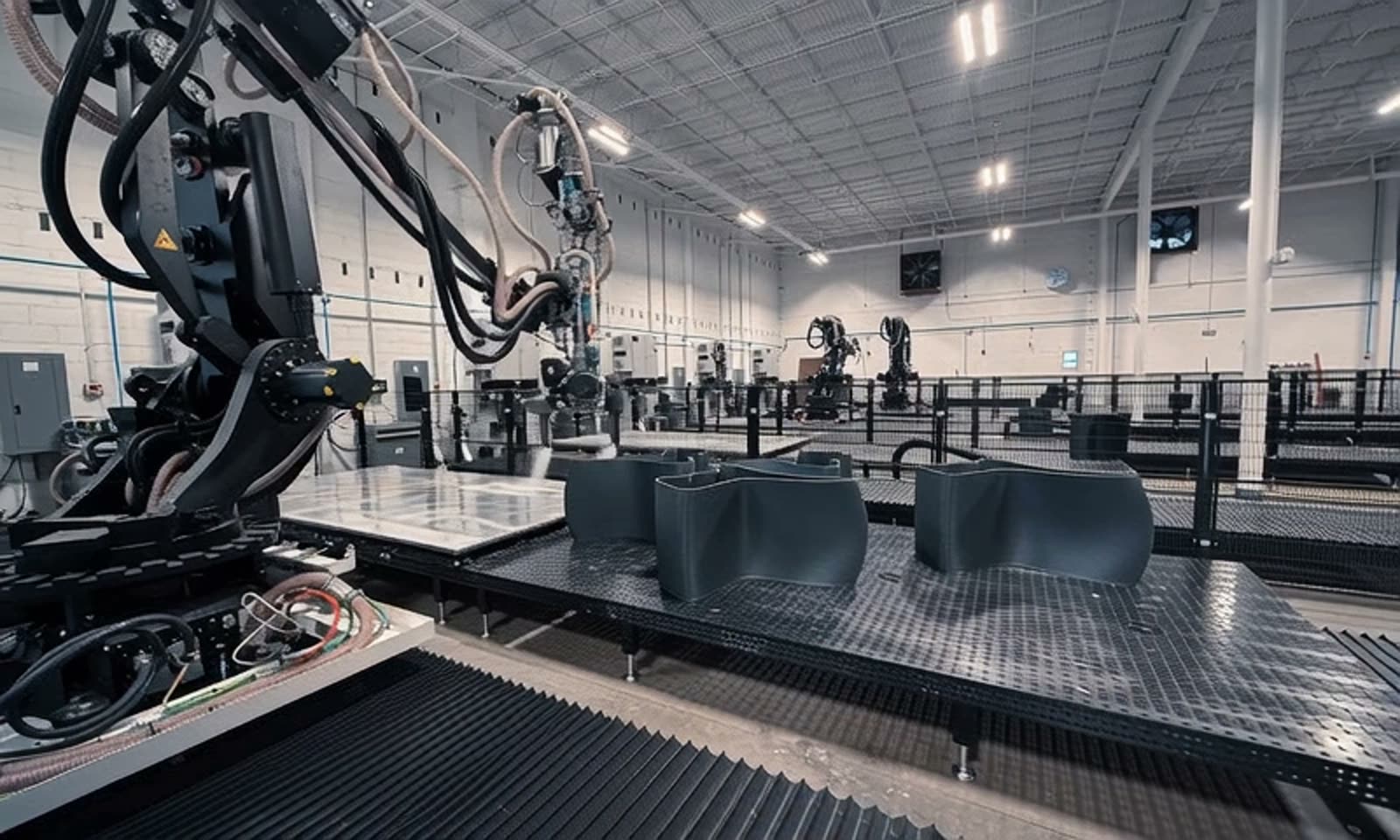 Computational DesignersRun your own code on the slide, embed live 3D and design tools, and build decks from scripts.
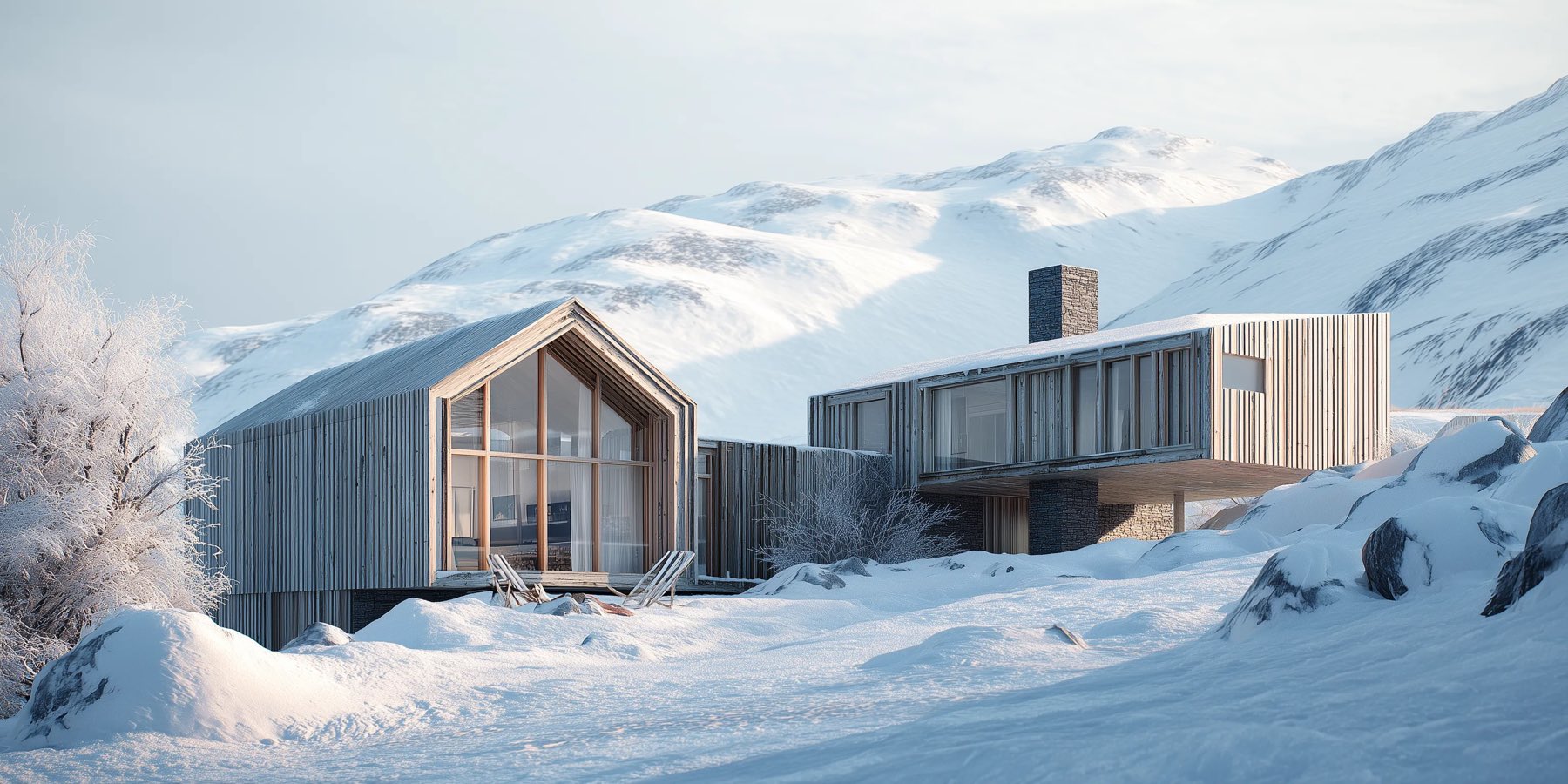 VisualizersDeliver renders, video, and 3D in one link, and get approval on the image.
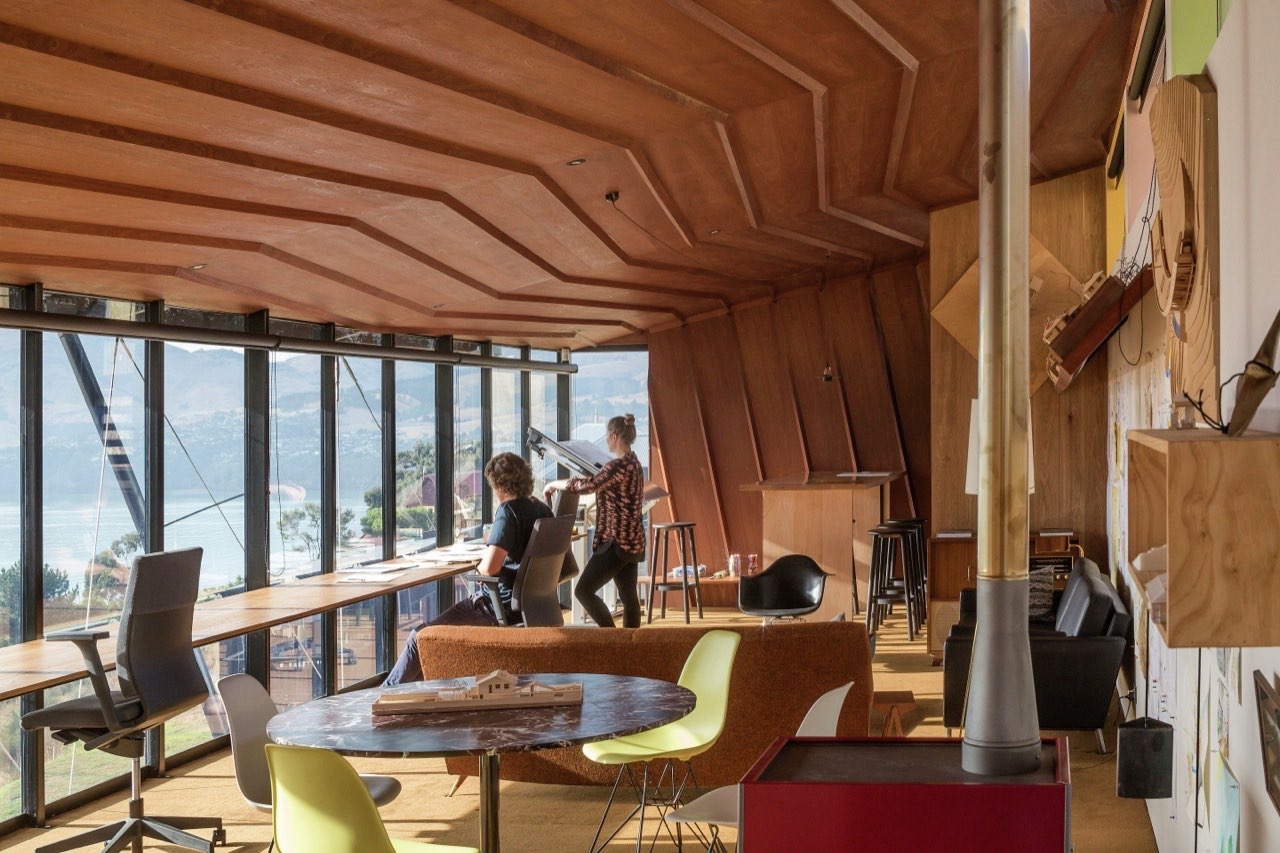 Project ManagersEveryone on the latest version, with every comment on the record.
 Business DevelopmentFind the right pursuits, know the client, and call when they are reading.
 Proposal ManagersFrom RFP to compliant, designed response in one place, with no InDesign handoff.
 Marketing CoordinatorsOn-brand decks from your project library, without rebuilding the same slides.
 PrincipalsThe whole firm's pipeline, win rate, and why you lose, in one view.
What we hear
Great work deserves
to be seen properly.
Foveate is built by architects and engineers, and it isn't venture-backed.
“We were able to understand the project with such clarity that it both validated our path and exposed some blind spots we were able to adjust in advance.”

Vincent Piazza
Co-creator, BUILDING
Common questions
Foveate is a presentation and collaboration platform for architects and designers. It turns drawings, renders, video, and 3D models into one live link that clients and consultants can explore and comment on. When you're going after new work, it also helps you research clients and RFPs.
Yes. On the free plan you can make up to five creations, like presentations and walkthroughs, and share each one as a live link with a small 'Made with Foveate' badge. It includes 200 AI credits, enough for about ten decks, and every new account gets 7 days of Pro. After that, Starter keeps client feedback, password-protected links, and your own branding for $16 per person a month, billed annually, on teams of up to five. Pro adds view insights, client profiles, and gated links for $39 per person a month, billed annually, on teams of up to ten.
Most people send their first presentation the same day. Start from your renders and drawings, the last PDF, PowerPoint, Word file, or InDesign HTML5 export you sent, or describe the project in a sentence, and Foveate builds an editable draft on your brand. Or paste your website: Foveate reads your logo, colours, and recent projects and builds your first deck, free. You don't need to be an InDesign specialist, so anyone in the firm can make changes.
No. They open one link on any device, with nothing to install and no attachments or versions to keep track of. On a gated link, you can ask viewers for their name and role before the presentation opens, so you know exactly who is reading.
Yes. Nothing is public unless you share it. On Starter, a link can require a password or expire on a date, and on Pro it can ask each viewer for their name and role before it opens. You also choose whether viewers see each other's comments or only their own. Foveate only records activity inside your presentation, and your files are encrypted at rest and in transit.
Yes. Export any presentation to PDF or PowerPoint when a client or a procurement portal asks for a file. You can keep links in the PDF that open the live version, so you still see when they look. Use the live link where it helps most: the shortlist interview, private clients, and the follow-up after you submit.
Yes. Most architecture firms are small, and Foveate is built for them. Feedback comes back in one place, decisions stay on the record, and clients get one link they can pass on to whoever else needs to see the work. Presentations, comments, and view insights work from the first day with no setup. The client and RFP research tools are there when you start going after larger work.
You could build a slide viewer. But the link you send a client is your work in front of them. It has to be secure, stay up, still open years from now, look right on every device, and tell you who opened it, and someone has to keep it that way. We do that, so your team can spend its time on the design.

Present the work. Keep your weekends.
Spend your time on the design, not the deck.