Foveate for Designers
Let clients feel the space before they approve it.
For interior, landscape, and experiential designers. Learn the brief, decode the client's taste, and walk them through the space in 3D and 360, all in one link.
What changes for designers
The brief arrives complete
Intake forms capture budget, timeline, and preferences before the first sketch.
Taste stops being a guess
A client profile shows what they value and how they decide, so the first concept lands closer.
Approvals happen on the work
Clients walk the space, then comment on the slide or leave a video response.
From the first question to the final walkthrough
Mood boards, material palettes, renders, 3D, and video in one presentation the client explores on their own time.
Forms
Learn the brief before the first sketch.
Send a branded intake form that asks what you'd otherwise chase across three calls: budget, timeline, how they use the space, and what they love and hate.
- Branded forms the client fills out with no account
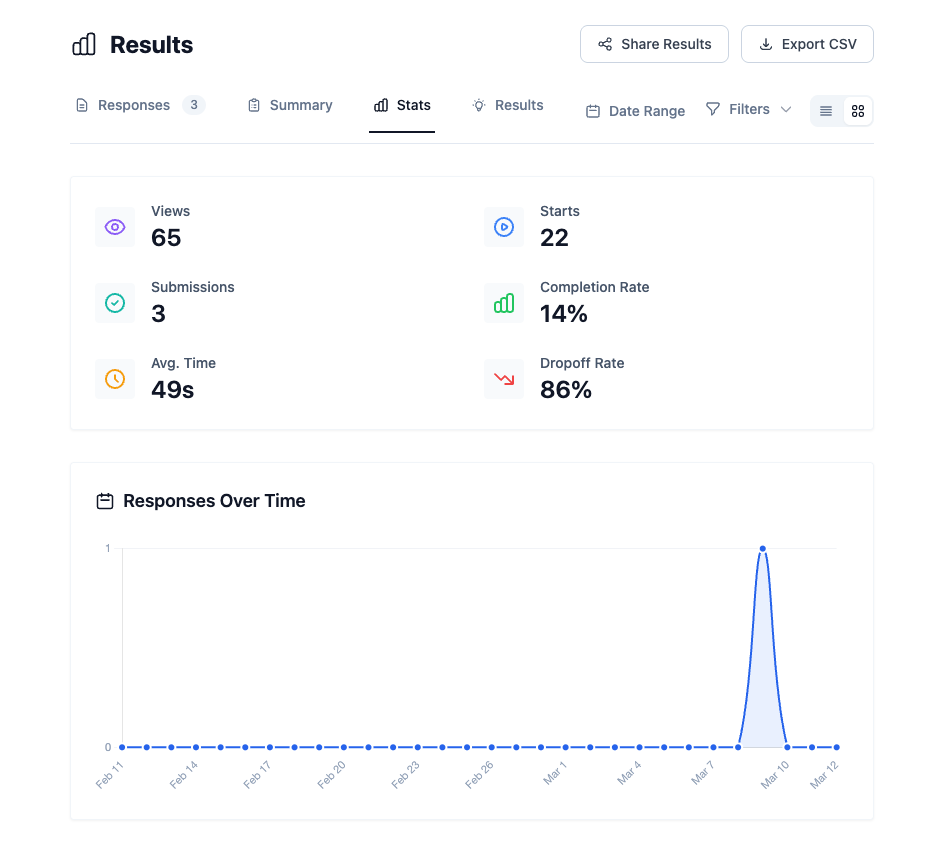
- Responses and completion rates in one view
- A CSV export for your records
Client Profiler
Decode the client's taste.
Foveate researches the client and builds a dossier on what they value, how they decide, and how to present to them. When a client says one thing and approves another, the profile shows why.
- Research on the person and the organization
- Priorities, preferences, and decision style
- Guidance on how to present and follow up
Ramona Albert Architecture. Three redesigns into a “difficult” client, a profile showed what they actually wanted. The rework stopped, and the client started referring projects.
Explore Client Profiler
Core driver
Certainty on cost and schedule
Evaluates proposals by
Will lose interest if
Presentations
Build the story from a prompt, then make it yours.
Describe the project or drop in a file, and Foveate drafts the deck. Add mood boards, material palettes, renders, and video, then refine every slide by hand or with AI.
- AI image and video generation inside the deck
- A built-in stock image library
- Start from your past decks instead of a blank page
- Your fonts, colors, and logo on every slide
3D Walkthroughs and Previs
Walk them through the space.
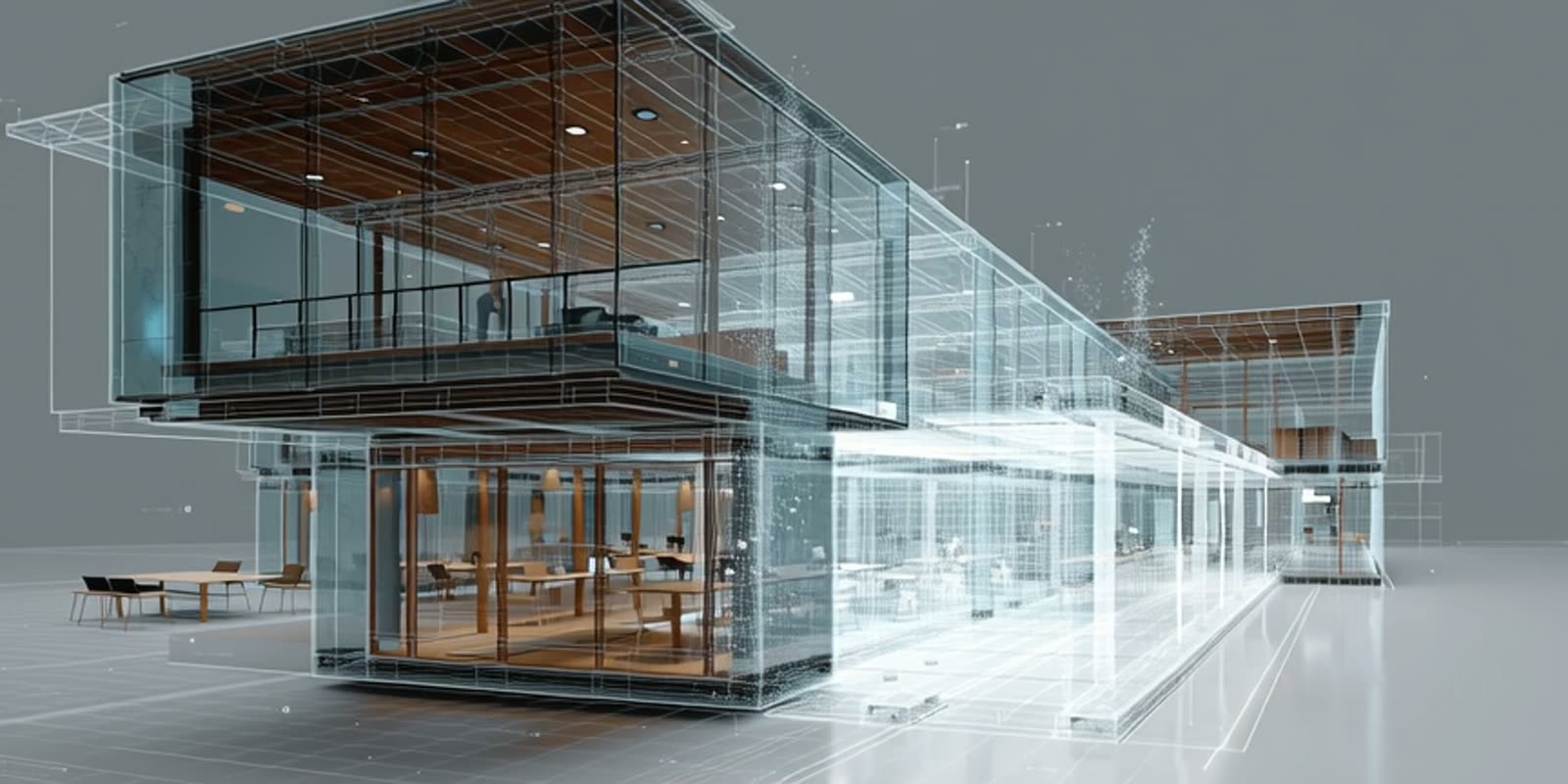
Interior walkthroughs, landscape scans, and 360 panoramas sit inside the presentation. For installations and events, Previs lets you swap content across every surface in real time.
- GLB and glTF models, 360 panoramas, and Gaussian splat scans
- Present live while the client follows along on their own screen
- Comments on the work from the client, with no account
Your toolkit
What designers use in Foveate
Forms
Branded intake forms for the brief.
Client Profiler
A dossier on the client's taste and decision style.
Presentations
Mood boards, palettes, renders, and video in one deck.
3D Walkthroughs
Models, 360 panoramas, and scans the client explores.
Previs
Content across every surface of an installation, reviewed in 3D.
Project Rooms
One place for the client, team, and consultants to review.
Questions designers ask
- Is Foveate for interior and landscape designers, or just architects?
- Both. The same presentation holds mood boards, material palettes, planting plans, renders, 3D, and video. Designers use it for concept presentations, client approvals, and pitches.
- What can a client do in a presentation?
- Open it in any browser, walk through 3D and 360 views, comment on the work, and leave a text or video response. They don't need an account.
- How does the Client Profiler learn about a client?
- It researches public information about the person and their organization, then turns it into a dossier on priorities, preferences, and decision style, with guidance on how to present to them.
- Does it work for experiential and event design?
- Yes. Previs loads the venue in 3D so you can swap content across every screen and surface in real time, and review it from each audience position.
Foveate for the rest of your team

Let them feel the space.
Start free with 200 AI credits and 7 days of Pro. Bring a render, a model, or a single prompt.