
Foveate for Architects
Present the building the way you designed it.
Put the model, drawings, renders, and video in one live presentation, built on your own templates. Present it live, collect feedback on the work, and see which option held the client.
What changes for architects
The model comes to the meeting
Clients walk through the building in the browser, instead of reading a page of stills.
Your standards, without InDesign
Bring your templates over once. Every deck keeps your fonts, colors, and masters, with print up to ARCH D when you need it.
Feedback lands on the work
Comments sit on the slide they're about, not in an email thread three replies deep.
From the model to the client's screen
Everything you already export from Rhino, Revit, SketchUp, and your render engine, in one link the client opens on any device.
3D Walkthroughs
Let the client walk through it.
Drop in a GLB or glTF model and save the views you want to stop on. Rhino exports it directly, and Revit and SketchUp export it with a plugin.
- Models, 360 panoramas, and Gaussian splat scans inside the presentation
- Saved views for the moments you want to show
- Renders and walkthrough videos from Enscape, Twinmotion, Lumion, or D5, as they export
- Opens in the browser, with nothing to install
Presentations
Start from your own templates.
Import the InDesign, PowerPoint, Word, or PDF templates you already have, and they come in as editable pages. Your fonts, colors, logo, and masters carry into every deck, so each one looks like it came from your studio.
- InDesign HTML5 or PDF, PowerPoint, and Word files imported as editable pages
- One brand kit for fonts, colors, and logos, pulled from your website
- Masters for logos, page numbers, and footers on every slide
- Print up to ARCH D 24×36 as a 300 dpi PDF
Logo
Colors
Typefaces
Your templates
Masters
Live presenting and feedback
Present it live, then let them respond.
In a design review or a shortlist interview, the client follows along on their own screen, with video at full quality. Afterward they comment on the work itself, or leave a short video response.
- Live follow-along, slide for slide, on every attendee's screen
- Comments pinned to the slide they're about
- Text or video responses from the client, with no account
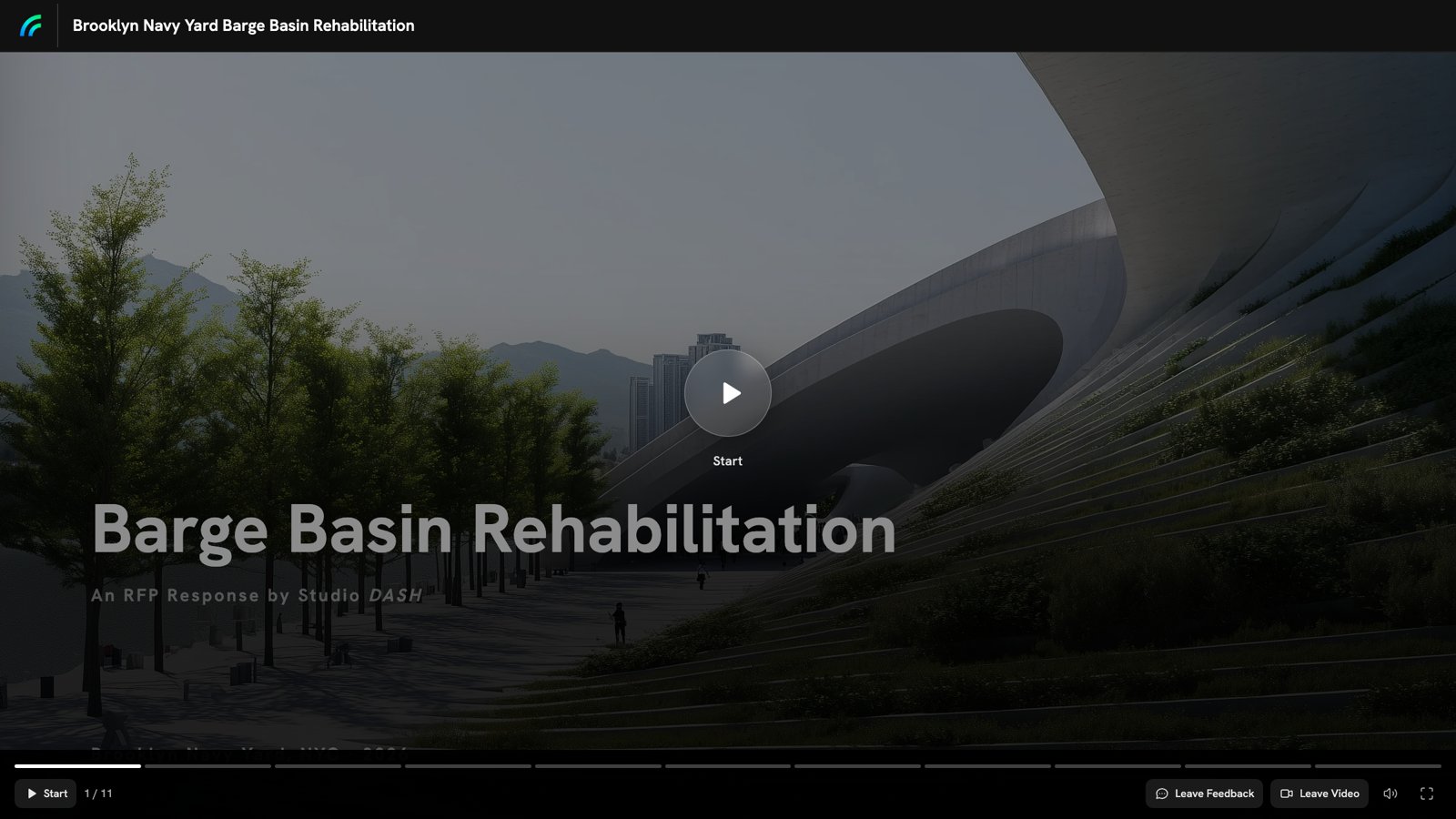
Proposal Insights
See which option landed.
Every link reports who opened it and how long they spent on each section. If the client lingered on option B, you'll know before the next meeting.
- Opens and time on each section, per person
- Named viewers on a gated link, including people you didn't send it to
- A notification when the client opens it
 Sarah A.Decision Maker
Opened 3 times · Most time on Fee and schedule
14min Markus R.Sponsor
Opened twice, last on Tuesday · Most time on Phasing
9min Dinesh K.Influencer
First opened today · Most time on 3D walkthrough
4min
“Can we walk the board through option B before Thursday?”
Your toolkit
What architects use in Foveate
Presentations
Your templates and brand on every deck.
3D Walkthroughs
Models, 360 panoramas, and scans the client explores.
Proposal Insights
Who opened it, and which sections held them.
Client Profiler
What the client values, before the first concept.
Forms
Intake forms for budget, timeline, and program.
Portfolio
A project library that feeds every deck.
Questions architects ask
- Can I bring in models from Revit, Rhino, or SketchUp?
- Yes, as GLB or glTF. Rhino exports glTF directly, and Revit and SketchUp export it with a plugin. Foveate doesn't keep a live link to the authoring file, so re-export when the design changes.
- Can I still print boards and books?
- Yes. Set the page to A3, Tabloid 11×17, or ARCH D 24×36 and export a PDF at up to 300 dpi. Text and vector drawings stay sharp at any size.
- Can I bring my InDesign templates?
- Yes. Foveate doesn't open INDD files directly, so export them from InDesign as HTML5 or PDF first. Foveate rebuilds them as editable pages.
- Does my client need an account to view it?
- No. They open a link in any browser. On a gated link, they enter their name and role first, so you know who is reading.
Foveate for the rest of your team

Show them the building.
Start free with 200 AI credits and 7 days of Pro. Bring a model, a PDF, or a single prompt.