Foveate for Marketing Coordinators
Every deck on brand, without rebuilding it.
Pull your brand in from your website, build from your project library and team bios, and show partners what happened after the deck went out.
What changes for marketing coordinators
One brand, every office
Masters, text styles, and your own fonts keep every deck consistent, whoever builds it.
Stop rebuilding the same slides
Project pages, team bios, and past decks are one search away.
Numbers for the partners' meeting
See who opened each deck and what held them, and bring it to the meeting.
The collateral, the library, and the numbers
The work that usually lives across InDesign, a shared drive, and a spreadsheet, in one place.
Brand kit
Keep every deck on brand.
Enter your website, or drop in a PDF or PowerPoint, and Foveate reads your colors and fonts for you to review. Masters and text styles carry them across every slide.
- Brand colors and fonts pulled from your website
- Custom font upload
- Masters for logos, page numbers, and footers
- Your logo on share links, with no Foveate badge on Pro
Logo
Colors
Typefaces
Your templates
Masters
Portfolio and Studio
Build from your library, not from scratch.
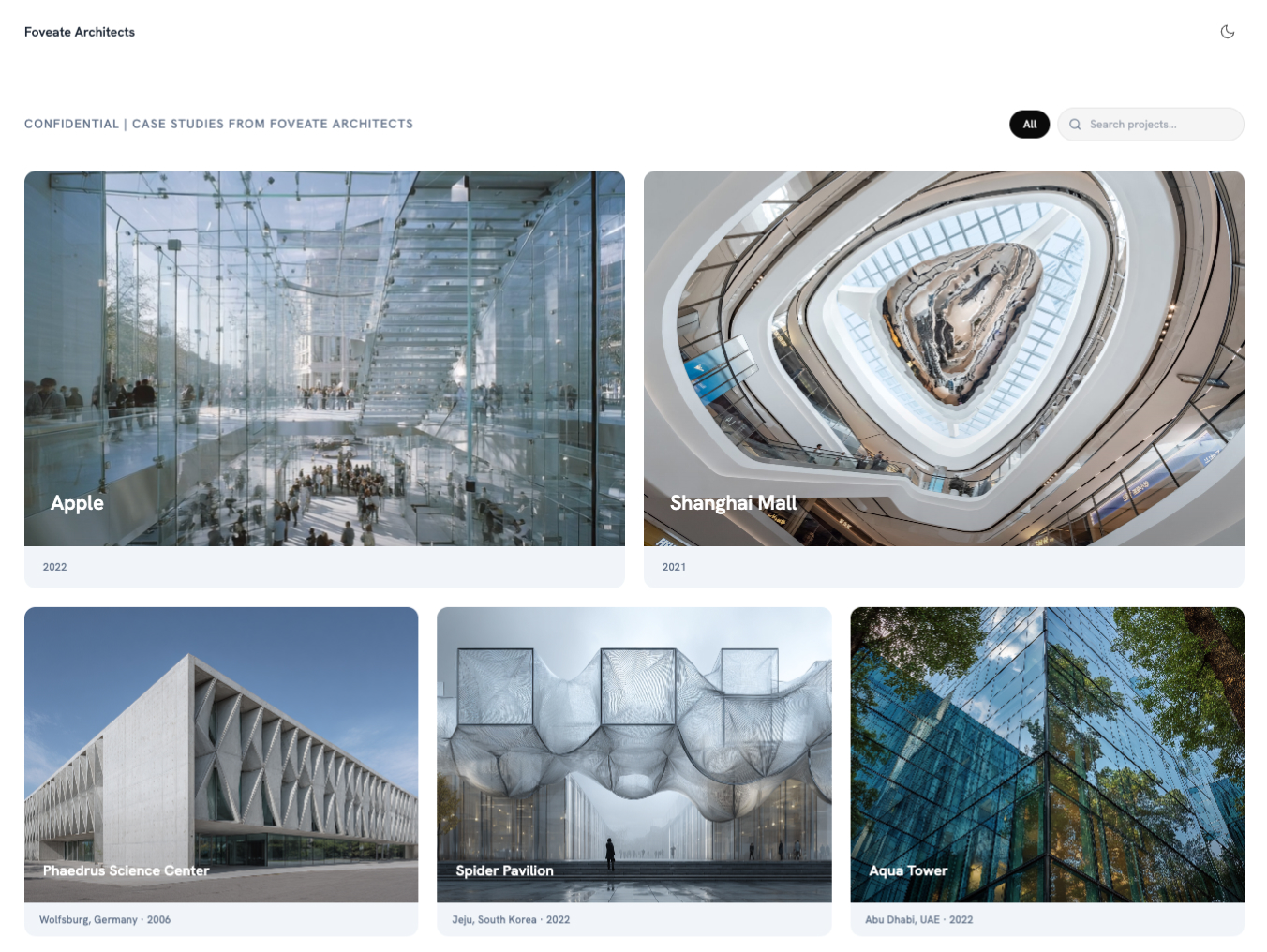
Studio holds your projects, team bios, and past proposals. Pull them into any deck, or start a new one from the relevant slides of your past decks.
- A project library with images and write-ups
- Team bios and resumes, kept current in one place
- New decks started from the relevant slides of past ones
- Finished proposals filed back into the library
Presentations
Fill the gaps without leaving the deck.
Generate an image or a short video, search the built-in stock library, or bring in a PowerPoint, Word file, or InDesign export as editable pages. Claude can build and update decks too, through Foveate's MCP server.
- AI image and video generation
- A built-in stock image library
- Import PPTX, DOCX, PDF, and InDesign HTML5
- Export to PDF or PowerPoint
Proposal Insights
Show partners what happened after send.
Every link reports who opened it and how long they spent on each section. Marketing finally has numbers to bring to the partners' meeting.
- Opens and time on each section, per person
- Named viewers on gated links
- Password protection and expiring links on Pro
- Form responses with completion rates
Your toolkit
What marketing coordinators use in Foveate
Presentations
On-brand decks with masters, styles, and AI.
Portfolio
Projects, team bios, and past proposals in one library.
Proposal Insights
Who opened each deck, and what held them.
Forms
Branded intake and feedback forms.
Project Rooms
One room for a pursuit's collateral.
Client Profiler
Research on a client before the deck is built.
Questions marketing coordinators ask
- How do we keep every deck on brand?
- Pull your colors and fonts in from your website, upload your own fonts, and set masters for logos, page numbers, and footers. Text styles keep type consistent across the deck. On Pro, share links carry your logo with no Foveate badge.
- Where do project descriptions and team bios live?
- In Studio, alongside your past proposals. Pull them into any deck, and start new decks from the relevant slides of past ones.
- Can we export to PowerPoint or PDF?
- Yes. Export any deck to PDF or PowerPoint when a client or a portal asks for a file.
- Can Claude build decks for us?
- Yes. Connect Foveate's MCP server in Claude, and Claude can create decks from an outline, generate them from a brief, and update the ones you have.
Foveate for the rest of your team

On brand, on time, and tracked.
Start free with 200 AI credits and 7 days of Pro. Bring your website and your last deck.