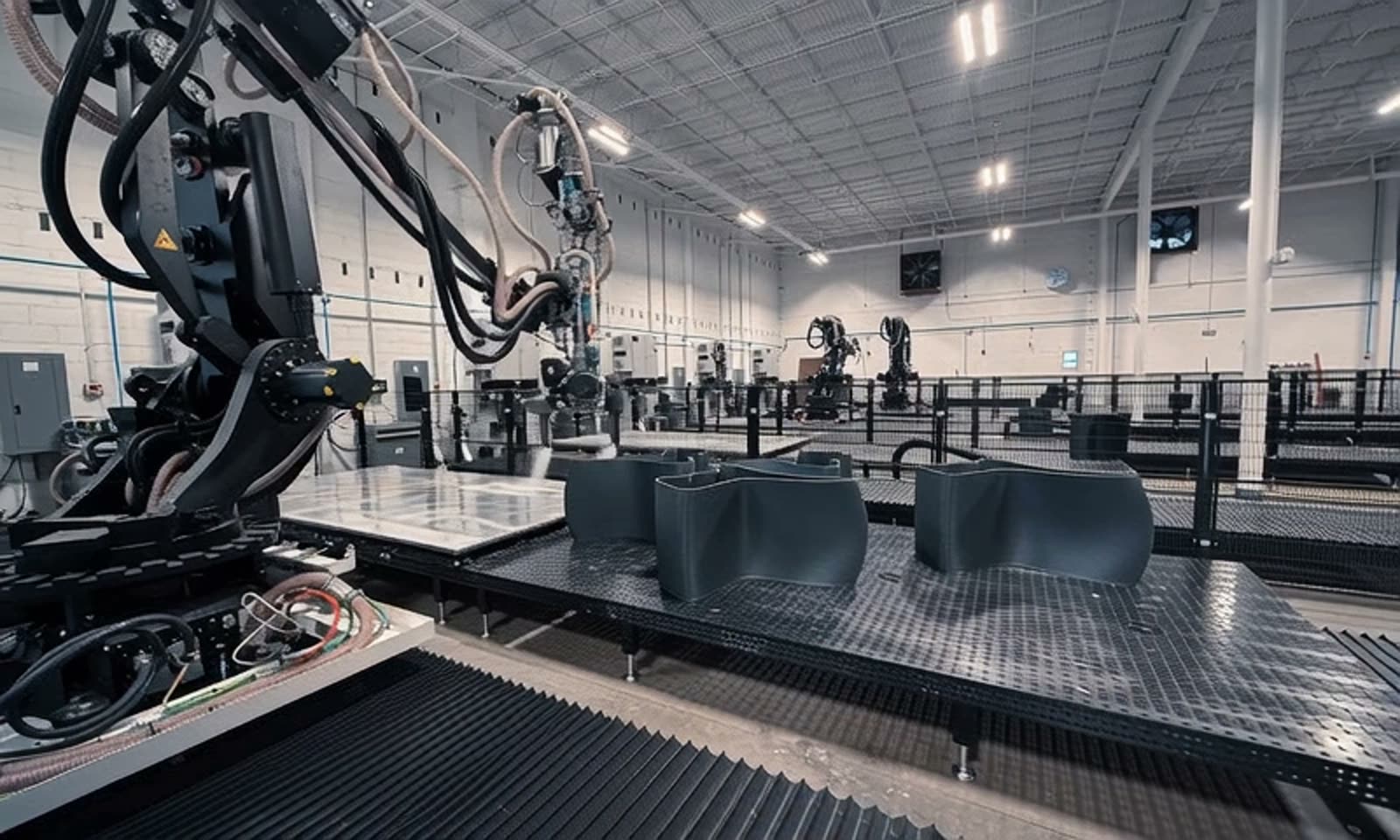
Foveate for Computational Designers
Put the working tool in the presentation.
Run your own code on a slide, embed live 3D and design tools, and build decks from your scripts with the Foveate API. Show the logic behind the design, not a screenshot of it.
What changes for computational designers
The tool, not a screenshot
A slider the client can drag says more about a parametric system than any still of it.
Your stack, on the slide
3D scenes, design files, maps, and videos play live instead of as links in an appendix.
Decks from code
Generate and update presentations from your own scripts with an API key.
Built for the people who build the tools
Everything a computational team makes, from studies and configurators to scans and dashboards, in the presentation the client actually opens.
Code widget
Run your code on the slide.
Drop HTML, CSS, and JavaScript onto a slide, or paste a React component straight from Claude or your editor, and it runs there. Clients drag the slider, orbit the chart, and try the configurator themselves. Try this one.
- HTML, CSS, and JavaScript, or a React component with Tailwind
- Paste a whole page and Foveate splits it into its parts
- Runs in a sandboxed frame, cut off from your account and the viewer's
- Show it running or show the source, on a light, dark, or transparent background
- PDF and PowerPoint exports show the source, since a file can't run code
Embeds
Embed the tools you already use.
Paste a link or an iframe snippet. 3D scenes, design files, whiteboards, maps, and video play live on the slide. Anything that can't play inline becomes a clean preview card with its title and image.
- Live on the slide: Sketchfab, Matterport, Spline, Figma, Miro, Google Maps, YouTube, Vimeo, and Loom
- Google Docs, Sheets, and Slides, Airtable, Typeform, and booking pages too
- Every other link becomes a preview card, one click from the source
- Switch any embed between inline and card
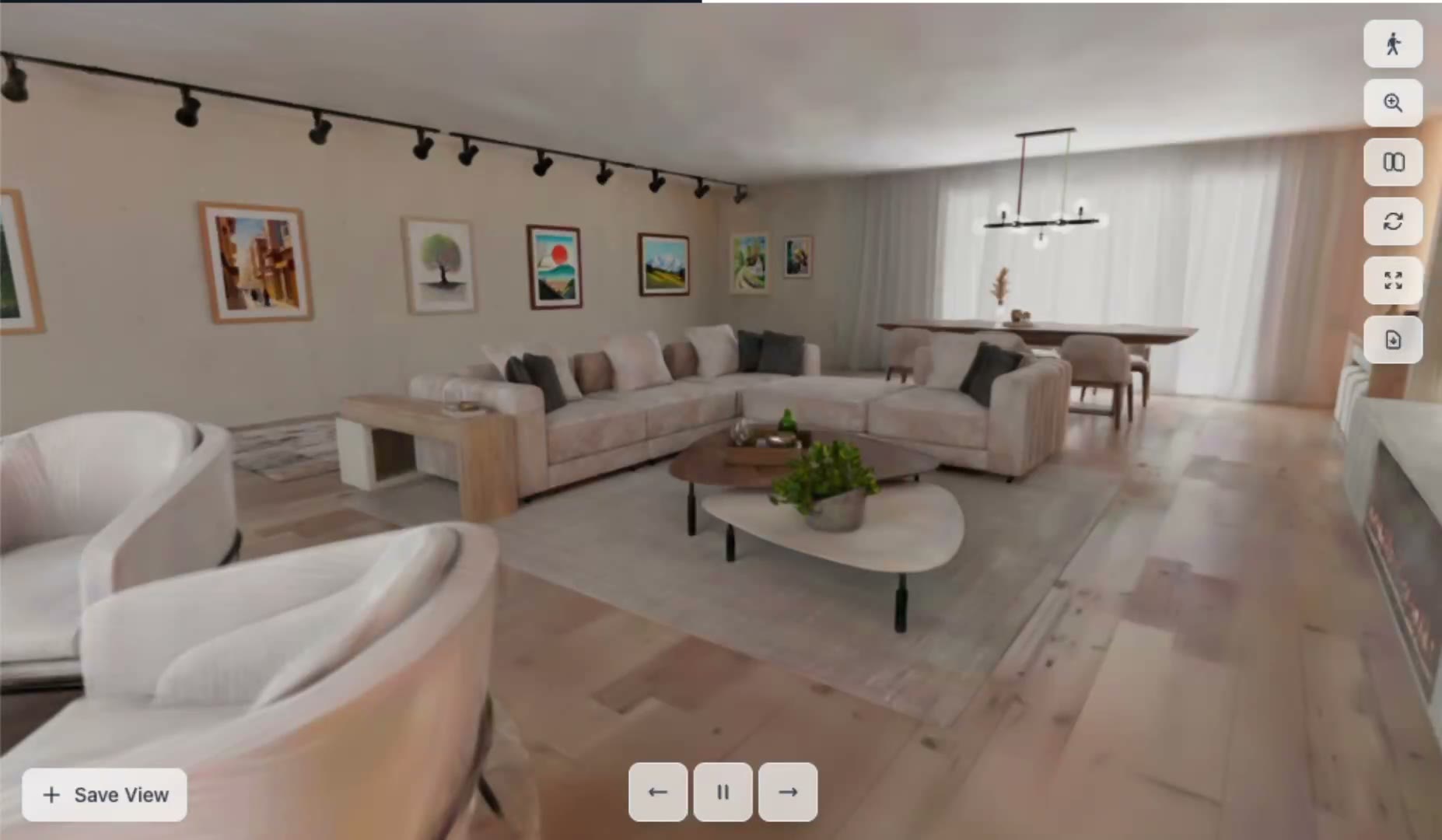 Live 3D scene · drag to orbit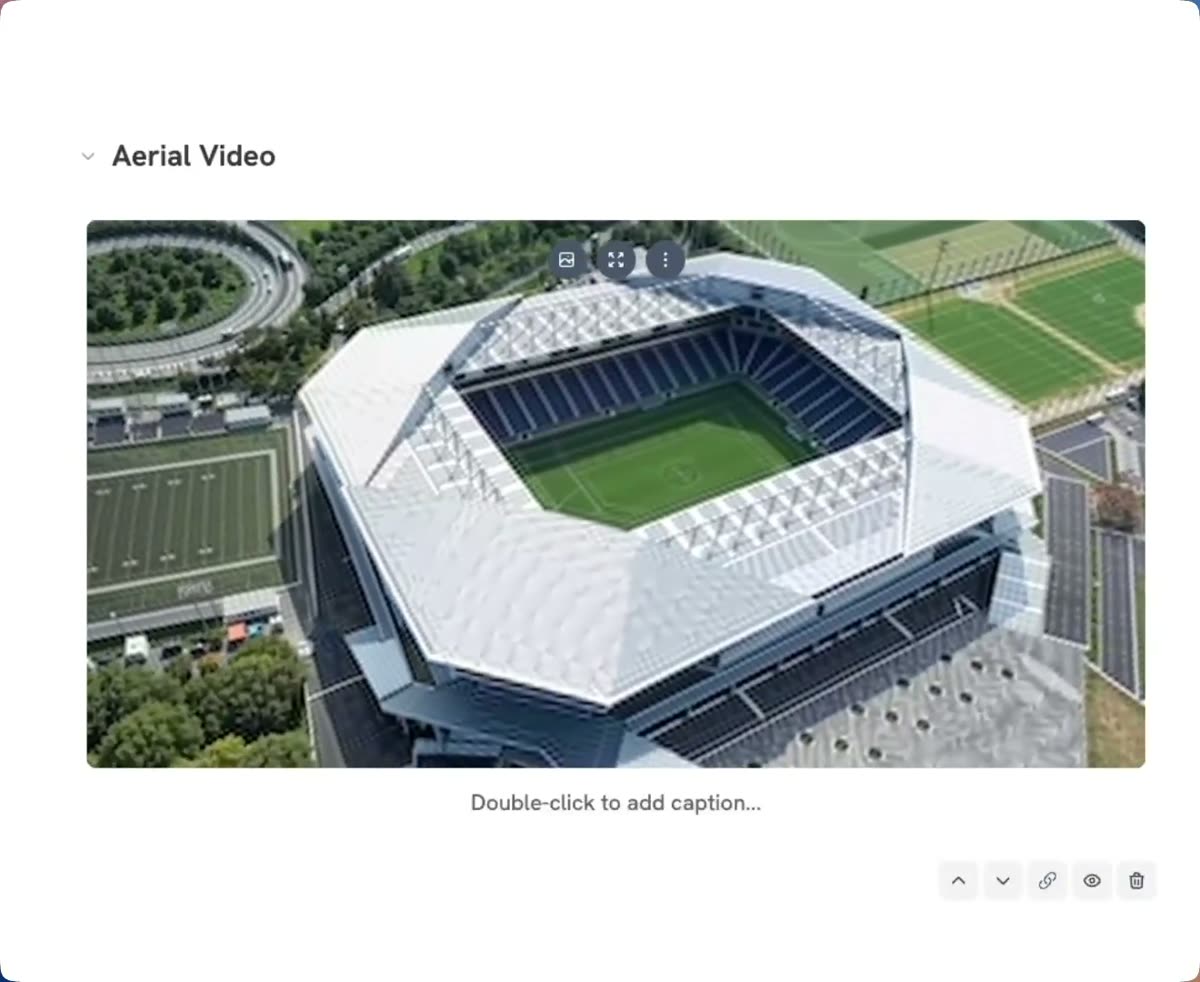
Facade system, panel library
Components and variants for the east and south elevations.
figma.com
3D and scans
Bring the model and the scan.
Export GLB or glTF from Rhino, Revit, or your own pipeline and walk the client through it in the browser. Gaussian splat scans and 360 panoramas sit in the same presentation, and Previs maps content across every surface of a venue.
- GLB and glTF models with saved views
- Gaussian splats as PLY, SPLAT, or SPZ
- 360 panoramas and walkthrough video
- Previs for installations, stages, and media surfaces
API and MCP
Build decks from your scripts.
Create an API key in Settings, scope it to read, create, or generate, and call Foveate from your own tools. Send an outline and Foveate lays it out with its templates, or send a prompt and let the AI write the outline first. Every response links to the new deck.
- Decks from an outline or a prompt, over a REST API
- Keys scoped to read, create and edit, or generate
- Edit and share links in every response
- The same deck tools in Claude, through Foveate's MCP server
POST /api/v1/decks/generate
Authorization: Bearer fv_live_...
Idempotency-Key: option-b

{
  "prompt": "Facade, option B",
  "type": "proposal",
  "slideCount": 8
}
201 Created
{
"data": {
"id": "d_8Kq2",
"slideCount": 8,
"urls": {
"edit": ".../deck/d_8Kq2",
"share": ".../share/..."
}
}
}Your toolkit
What computational designers use in Foveate
Code widget
Your HTML, JavaScript, or React, running on the slide.
Embeds
Live 3D, design files, maps, and video on the slide.
3D Walkthroughs
GLB and glTF models, splats, and 360 panoramas.
Previs
Content across every surface of a venue, in 3D.
API and MCP
Decks from your scripts, and from Claude.
Presentations
Your templates and brand on every deck.
Questions computational designers ask
- Is it safe to run code on a slide?
- Yes. The Code widget runs your code in a sandboxed frame that can run scripts but can't reach Foveate, your account, or the viewer's browser data.
- Can I paste a React component from Claude?
- Yes. Set the widget to React and paste the component, imports and all. Foveate loads React, a JSX transform, and Tailwind inside the frame and mounts it. Plain HTML, CSS, and JavaScript work too.
- What happens to a Code widget in a PDF or PowerPoint export?
- A file can't run code, so exports show the widget's source listing instead. The live version is always in the share link.
- Does Foveate connect to Grasshopper or Rhino directly?
- No. Export geometry as GLB or glTF and bring it in, and use the Code widget or an embed for anything interactive. To automate decks, call the Foveate API from your own scripts.
Foveate for the rest of your team

Show the logic, not a screenshot.
Start free with 200 AI credits and 7 days of Pro. Bring a script, a model, or a single prompt.