
Foveate for Project Managers
Everyone reviewing the same version.
For project managers and project architects. Send the client and consultants one link, collect comments on the work itself, and keep the record of every decision.
What changes for project managers
One current version
Update the link and everyone who has it sees the latest, so nobody is commenting on v12 when you're on v15.
Comments land on the work
Clients and consultants mark up the slide itself, so you stop reconciling email, calls, and screenshots.
Decisions in writing
Every comment keeps a name and a date, so what was asked for is on the record after each review.
From the review meeting to the signed-off set
Present the work, collect the feedback, and see who has looked, all from one link.
Presentations
One link that stays current.
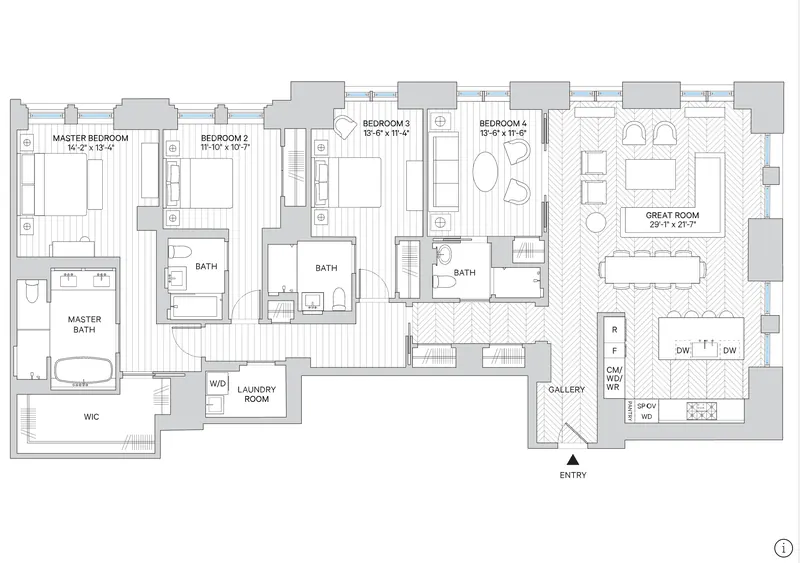
Share the deck once. When the design changes, update it, and the same link shows the new version to everyone who already has it.
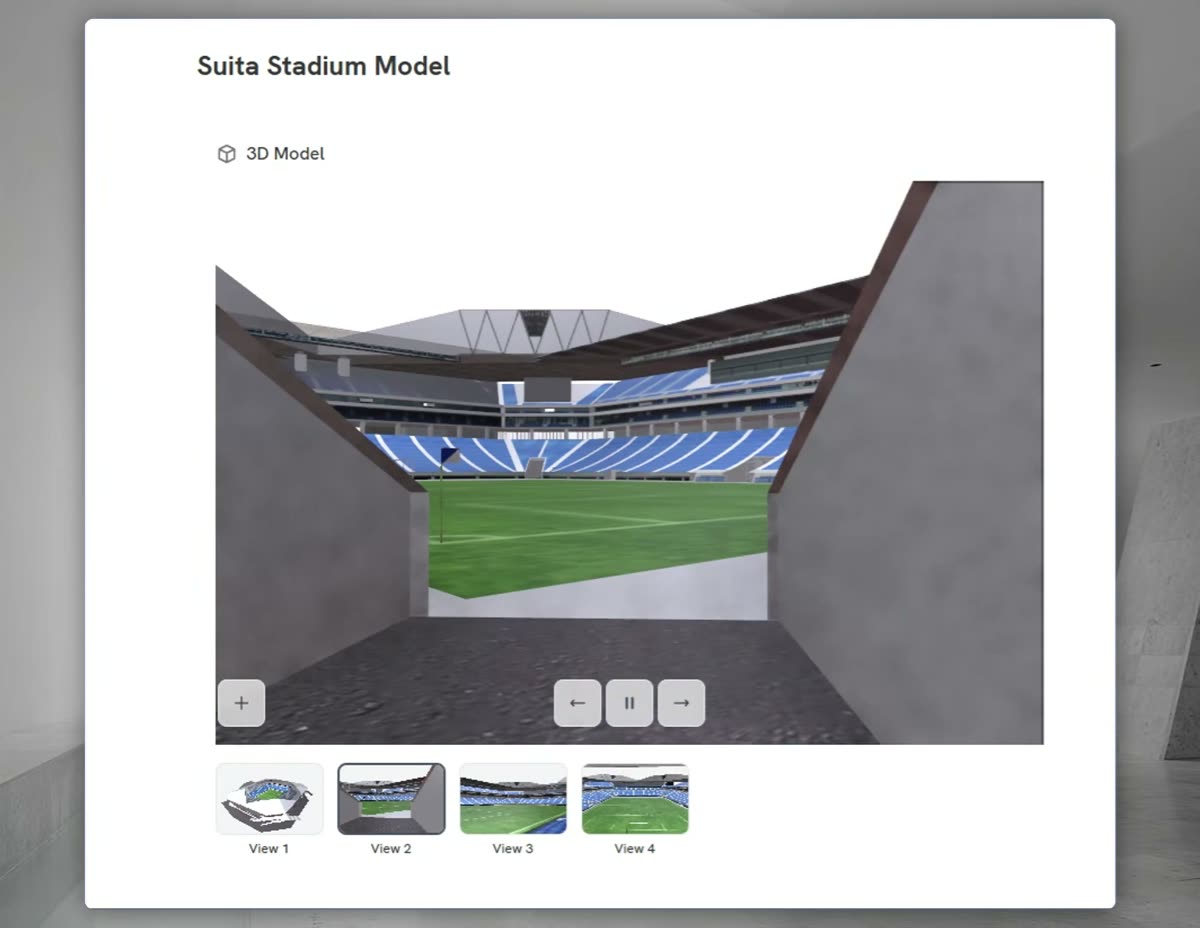
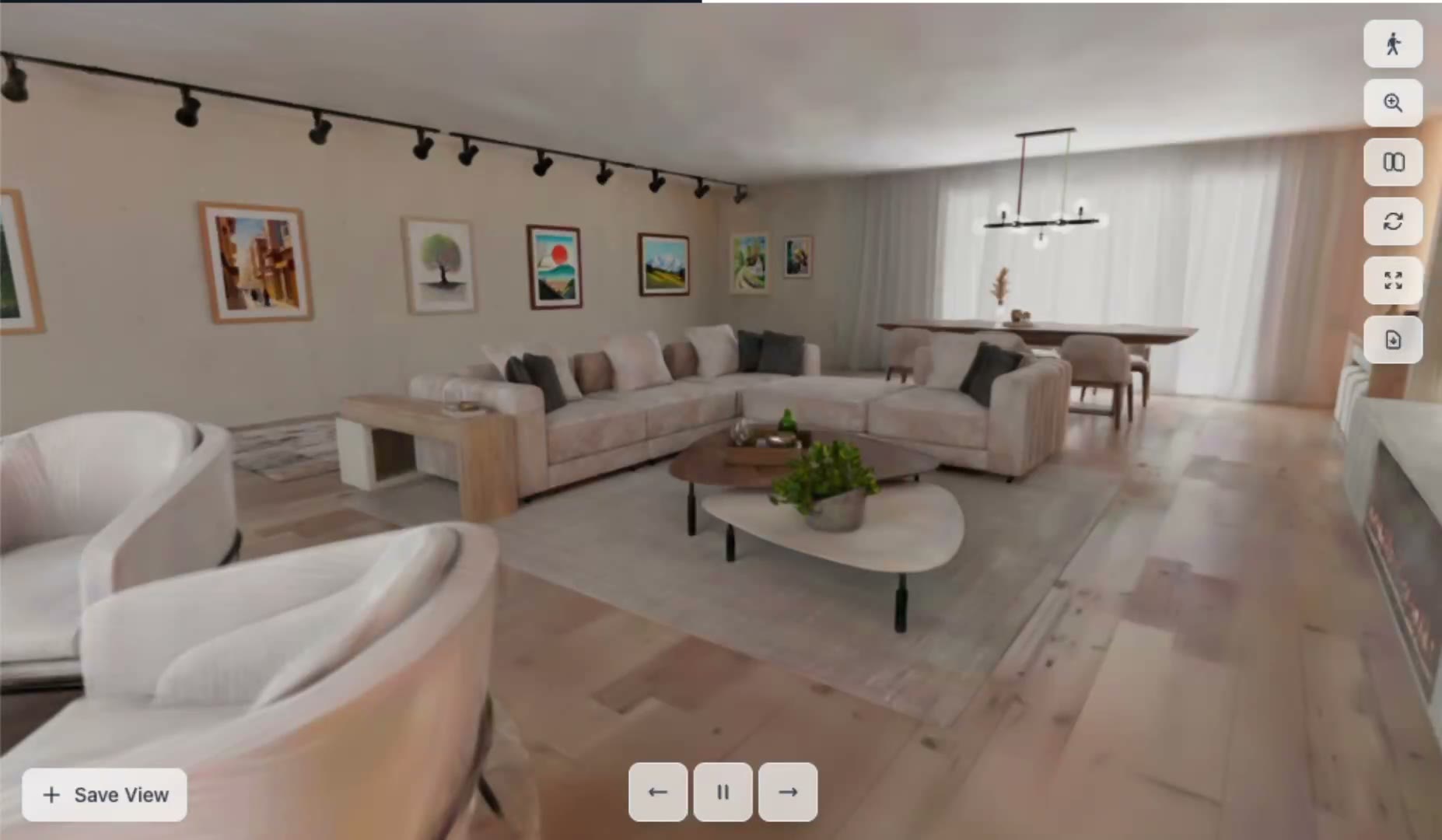
- Drawings, renders, models, and files in one presentation
- Present live while the team follows on their own screens
- Password and expiring links on Pro

 0:18
0:18Comments
Feedback on the slide, not in the inbox.
Clients, consultants, and your team pin comments and drawings to the work. Reply in the thread, @mention a teammate, and mark it resolved when it's handled.
- Pins, drawings, and video notes on the exact spot
- Replies and @mentions in one thread
- Resolved comments fade on the slide and stay in the history



Context
Site and arrival

Level 2 plan

2 hours ago

20 minutes ago
 Drawing on this slide
Just now
Project Rooms
One room per project.
Decks, forms, and files for a project live in one room you share with the client and the consultants, so there's one place to look.
- Decks, walkthroughs, forms, and files together
- Share with the client, consultants, and your own team
- See who has opened what

Insights
Know who has seen it before the next meeting.
See who opened the presentation and which sections held their attention, and get a note when the client opens the link, so you follow up with the right person.
- Opens and time per section, per person
- A note when they open it
- The questions clients ask the deck
 Sarah A.Client lead
Opened 3 times · Most time on Massing options
14min Markus R.Board member
Opened twice, last on Tuesday · Most time on Phasing
9min Dinesh K.Consultant
First opened today · Most time on 3D walkthrough
4min
“Can we walk the board through option B before Thursday?”
Your toolkit
What project managers use in Foveate
Presentations
One link that always shows the current version.
Comments
Pins, replies, and a resolved state on every slide.
Project Rooms
One place for the client, consultants, and team.
Insights
Who opened it and what held their attention.
Forms
Collect what you need from the client in one form.
Export and print
PDF or PowerPoint, and print up to ARCH D.
Questions project managers ask
- What happens to the link when the design changes?
- Update the deck and the same link shows the new version. Anyone who already has the link sees the current one the next time they open it.
- Do clients and consultants need an account to comment?
- No. They open the link in a browser and comment on the slide. On Pro you can add a password or an expiry date to the link.
- Can I tell which comments are still open?
- Mark a comment resolved when it's handled. Resolved comments fade on the slide, and the thread stays in the history, so the record of what was asked and answered is kept.
- Does Foveate replace our project management tool?
- No. Foveate is where the work is presented and reviewed. It doesn't manage tasks, schedules, or RFIs, so keep using your tracker and link the presentation from it.

Stop reconciling the feedback.
Start free with 200 AI credits and 7 days of Pro. Send your next review as one link.