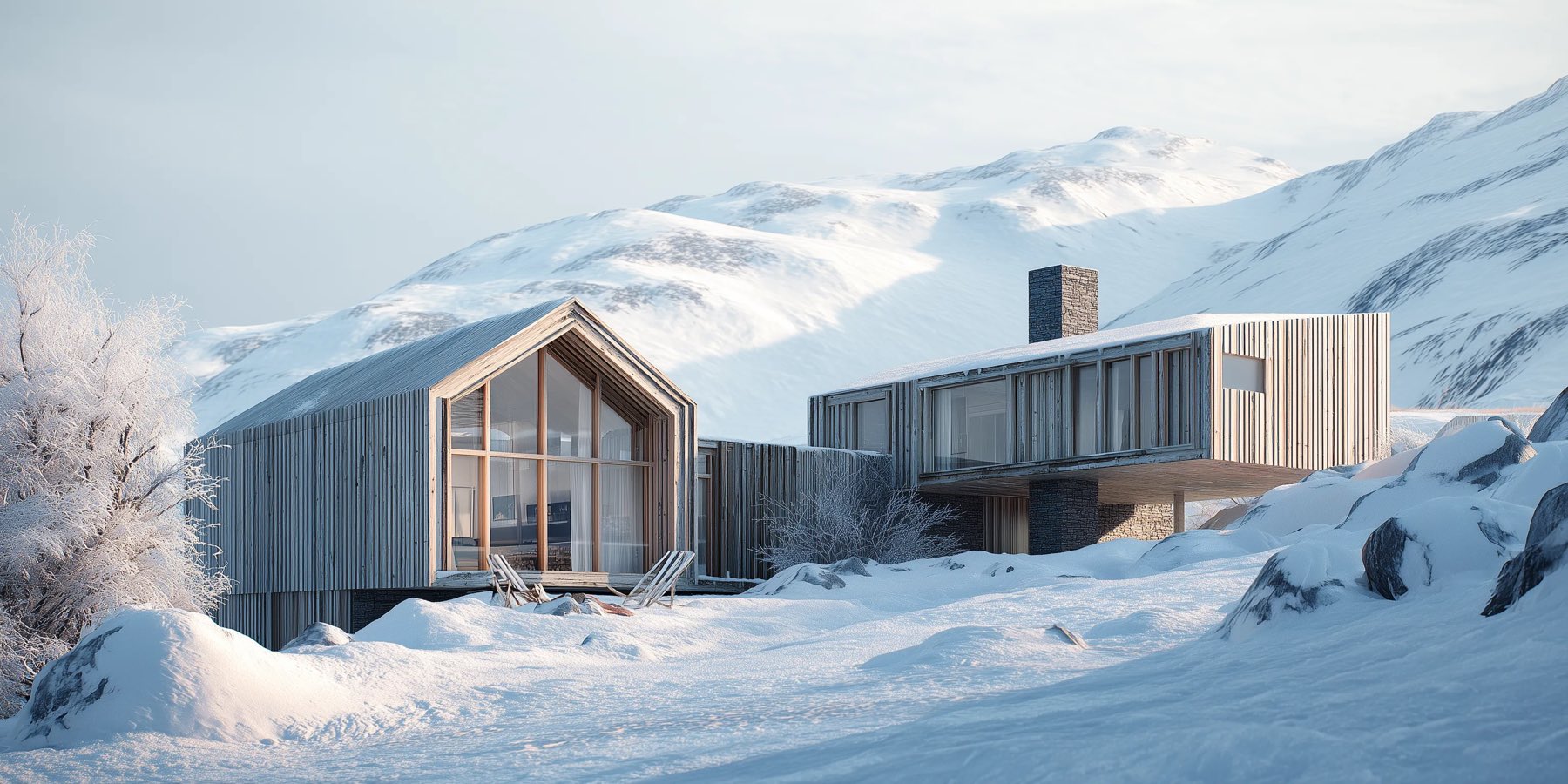
Foveate for Visualizers
Get approval on the image, not in an email.
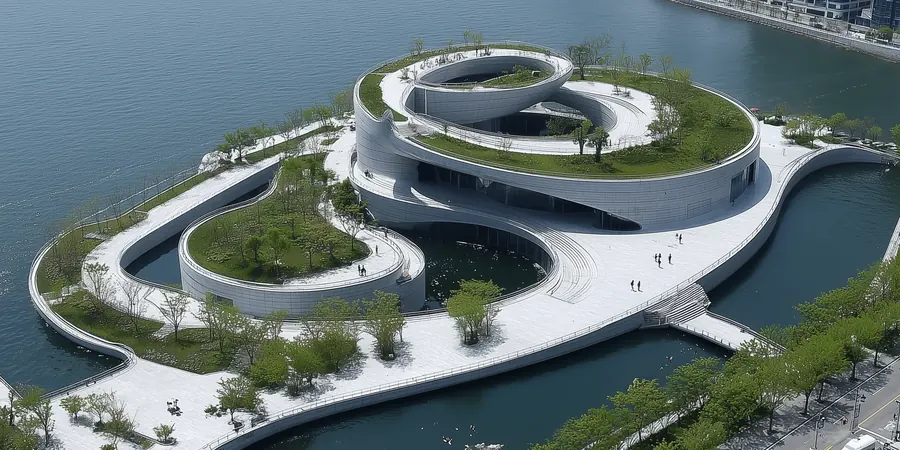
For 3D visualizers and archviz studios. Deliver renders, animation, and 3D in one link, and let the architect and the client comment right on the frame.
What changes for visualizers
One delivery, not a folder
Stills, video, and 3D models go in a single link, so the client opens one thing and sees it all.
Revisions point at the pixel
Comments are pinned to the spot they're about, so "move that tree" arrives with the tree.
Approval on the record
Every comment has a name and a date, and you mark it resolved when the revision lands.
From the first draft to the approved frame
High-resolution stills, animation, and models, presented the way they were made.
Presentations
Present the work at full quality.
Stills, video, and 3D sit in one presentation with your branding on every slide, so the delivery looks like the work. Export a PDF or PowerPoint when a client asks for a file.
- Stills, video, and models in one deck
- Your fonts, colors, and logo from a brand kit
- PDF and PowerPoint export, with print up to ARCH D
3D Walkthroughs
Let them move through the model.
Share GLB and glTF models, 360 panoramas, and Gaussian splat scans inside the presentation, and walk the client through them live while they follow on their own screen.
- GLB and glTF models, 360 panoramas, and Gaussian splat scans
- Present live while the client follows along
- Comments on the view from the client, with no account
Comments
Revisions that point at the pixel.
The architect and the client pin comments and drawings to the exact spot on the image, or leave a video note. Reply in the thread, and mark each one resolved as you revise.
- Pins and drawings on the exact spot
- Text and video notes from the client
- Resolved comments stay in the history



Context

Site and arrival
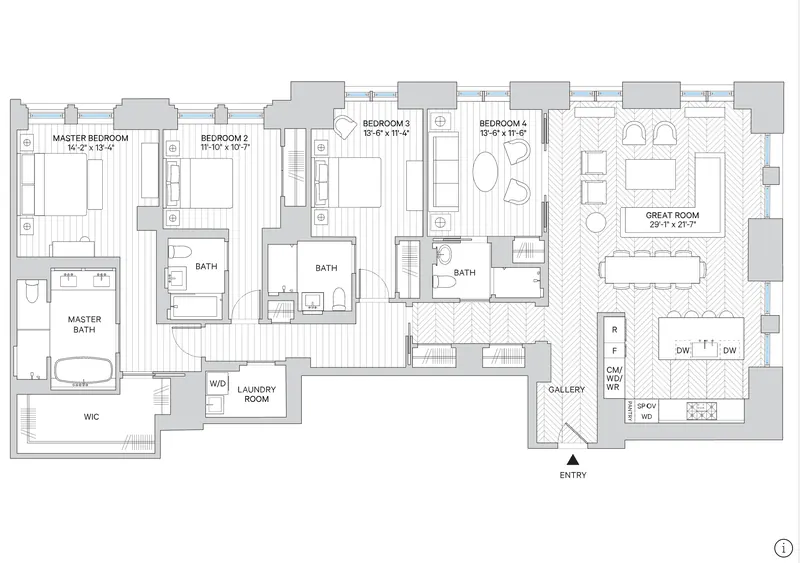
Level 2 plan

2 hours ago

20 minutes ago
 Drawing on this slide
Just now
Your toolkit
What visualizers use in Foveate
Presentations
Stills, video, and 3D in one branded link.
3D Walkthroughs
Models, 360 panoramas, and scans in the browser.
Comments
Pins on the frame, replies, and a resolved state.
Insights
Which views held them, per person.
Export and print
PDF or PowerPoint, and print up to ARCH D.
Project Rooms
One room per project for every delivery.
Questions visualizers ask
- Which file types can I share?
- Stills and video play in the presentation. For 3D, Foveate takes GLB and glTF models, 360 panoramas, and Gaussian splat scans.
- Does it replace my render engine?
- No. Keep rendering in the tool you use. Foveate presents what it produces and collects the feedback on it.
- Can the architect pass the link to their client?
- Yes. Anyone with the link can open it and comment, and you see who joins and when.
- Can my studio's branding be on the delivery?
- Yes. Your fonts, colors, and logo from the brand kit appear on every slide. On Pro, share links carry your logo with no Foveate badge.

Show the work at full quality.
Start free with 200 AI credits and 7 days of Pro. Bring a render, a model, or a video.