The AI applications that actually stick in architecture BD aren't the flashy ones. They're mundane. Reading documents. Matching data. Drafting correspondence. Preparing for conversations. The reason they stick is that they compress hours of real work without touching the parts of BD that require human judgment: the relationship, the strategy, the call.
Here are six workflows where AI consistently delivers in AEC business development, what each looks like before and after AI, where the human stays in the loop, and what to watch for.
Workflow 1: RFP Analysis and Requirements Extraction
Before AI: A coordinator or senior person spends 2 to 6 hours with a printed RFP and a highlighter, extracting submission requirements, mandatory qualifications, evaluation criteria, page limits, and deadlines into a matrix. For complex procurements, this can take a full day.
With AI: The document goes into an AI-assisted system. Requirements, deadlines, mandatory qualifications, and disqualifiers come out structured. The person who would have spent 6 hours on extraction now spends 30 minutes confirming accuracy and reading the output.
Human handoff: The go/no-go decision. The fit score AI produces is an input to that decision, not the decision itself. A 90% fit score on a project with a 15-year incumbent and a preselected firm is still a no. A human who knows the client, the market, and the firm's real capacity makes that call.
What to watch for: Hallucinated requirements. AI can misread a qualification or misstate a deadline. Every extraction gets a spot-check against the source document before it drives a decision. This is standard procedure, not optional hygiene.
Workflow 2: Client and Prospect Research
Before AI: Before a meeting or a call with a prospective client, someone spends an hour pulling together a profile: LinkedIn background, recent news, current projects, organizational structure, known priorities and challenges. Often this step gets skipped because there's no time.
With AI: A research prompt that includes the client's name, organization, and context produces a structured brief in minutes. Recent press, LinkedIn activity, public statements, known projects, organizational context. The brief is a starting point; the person who's going into the meeting adds their own knowledge and corrects anything that's off.
Human handoff: The conversation itself. Research improves the starting point for a meeting. The relationship, the reading of the room, the specific asks and responses in the conversation, those are entirely human.
What to watch for: Outdated or fabricated facts. Public AI tools can produce confident research from stale or incorrect sources. Cross-check any claim that will drive a decision in the meeting. A wrong assumption about a client's current situation is worse than no assumption.
Workflow 3: Stakeholder Mapping and Interview Preparation
Before AI: Before a client interview or a finalist presentation, a BD lead might spend several hours researching the selection committee members: who has decision authority vs. who influences it, what each person cares about, how the client's organization makes decisions.
With AI: An AI-assisted system connected to public information and your firm's CRM pulls together a stakeholder profile: roles, backgrounds, known priorities, any prior relationships with your firm or your competitors. The prep document is denser and faster to produce.
Human handoff: The strategy. Knowing who's in the room and who has influence is research. Deciding how to structure the presentation, which stories to tell, which team members to put forward, those are judgment calls the BD lead makes with the research in hand.
What to watch for: Stakeholder research from public sources has gaps. People's actual influence often doesn't match their title. The AI-produced profile is a starting point; insights from anyone at your firm who knows these people personally are worth more than any automated research.
Workflow 4: First-Draft Proposal Narratives
Before AI: A marketing coordinator or senior architect writes a proposal narrative from scratch (or from a previous proposal that doesn't quite fit), pulling project examples from wherever they can find them and adapting past language to this client and project type.
With AI: The system has access to your content library: past project descriptions, team bios, past performance narratives, boilerplate. Given the RFP requirements and a fit assessment, it drafts first-pass narratives that already use your real content, framed for this specific opportunity. The marketing coordinator edits and shapes rather than writes from scratch.
Human handoff: Editing, strategy, and the final proposal. The AI draft is a starting point, not a finished product. The voice, the specific differentiators, the way the story gets positioned against this particular client's stated priorities: those are things the person who knows the pursuit adds in the edit.
What to watch for: Generic output from generic content. A draft built from your real past projects and client language is useful. A draft from a disconnected AI working from a firm description and a prompt is often indistinguishable from the other firm's proposal. Grounding in your actual content is what makes the difference.
Workflow 5: Post-Submission Follow-Up and Correspondence
Before AI: After a proposal submission, the BD lead owes a follow-up email to the right contact, probably a thank-you, a brief note keeping the relationship warm while the client evaluates, and eventually a response to whatever selection communication comes back. These emails are easy to delay because they're not urgent and the right tone is hard to get.
With AI: The BD lead prompts an AI draft with context: who this person is, what the project is, what the desired tone is, any specific things to acknowledge. The draft comes back in 30 seconds. The BD lead edits it into their own voice and sends.
Human handoff: Every send. AI drafts, a person approves and sends. The relationship lives in the perception the client has of your firm; a bad email is worse than a delayed one.
What to watch for: Flat, generic correspondence. The AI output is a starting point, not final copy. An email that reads like it was written by someone who has no memory of the actual pursuit relationship undermines the relationship work that got you to finalist. Add the specific, human details that make it land.
Workflow 6: Pipeline Tracking and Opportunity Monitoring
Before AI: Keeping track of which pursuits are in which stage, which follow-ups are overdue, and which opportunities are worth monitoring in the market is either a spreadsheet that nobody keeps current or a CRM that's 60% accurate. The overhead of maintaining it is real and the information is consistently stale.
With AI: Automated tracking of submission status, follow-up triggers, and engagement signals (when a client views a proposal or visits a linked presentation) means the BD team spends time on the right opportunities at the right moments rather than on manual status tracking.
Human handoff: All relationship decisions and strategy calls. The tracking tells you when something needs attention. The person decides what to do about it.
What to watch for: Automation doesn't replace judgment about where to spend time. A system that tells you 15 things need follow-up doesn't help if you can't distinguish between the ones that matter and the ones that can wait. The output is prioritization input, not a to-do list.
Putting These Together as a BD System
The six workflows above connect into a sequence that tracks the BD lifecycle: research the opportunity and the client, assess fit, decide whether to pursue, draft the proposal from your real content, send well-crafted correspondence, and track engagement and status after submission.
None of these workflows fully automate BD. All of them compress the administrative and analytical time so the BD team can spend more time on the things that actually win work: relationships, strategy, and being genuinely prepared for every conversation.
The AIA data on AI adoption shows a wide gap between firms that have implemented AI at the team level and firms still relying on individual adoption. The firms on the right side of that gap are running some version of these workflows. The ones still on the left are mostly using individual tools sporadically, without the system behind them that makes the gains consistent.
Where Foveate Fits
Foveate is the system that connects several of these workflows into a single BD platform. It reads incoming RFPs against your real portfolio (Workflows 1 and 4), builds client-specific presentations from your own content, prepares you for the stakeholders who'll decide your pursuit (Workflow 3), and tracks engagement after you send (Workflow 6). AI handles the reading, matching, and drafting. Your team handles the decisions, the relationships, and every client-facing moment.
If you want to see these workflows running on a real RFP from your pipeline, book a demo.
Frequently Asked Questions
What are the best AI workflows for architecture firm business development? The six with the clearest track record: RFP analysis and requirements extraction, client and prospect research, stakeholder mapping for interviews, first-draft proposal narratives, post-submission follow-up drafting, and pipeline tracking. All of them compress administrative time without touching the judgment and relationship work that belongs to people.
Where should a human be in the loop on AI-assisted BD workflows? At every decision point: the go/no-go, the pursuit strategy, any correspondence that leaves the firm, and every client interaction. AI compresses the work that informs those decisions. The decisions stay human.
How is AI-generated proposal content different from a chatbot writing a generic proposal? Grounding. An AI system connected to your real project history, team bios, and past performance produces first-draft content that's actually about your firm and your work. A disconnected chatbot produces generic language that could describe any firm. The content library is what makes the output useful.
Can AI track my BD pipeline automatically? It can track objective signals like submission status, follow-up timing, and engagement activity (when a client views a presentation). It can't prioritize those signals for you or decide which relationships need attention. That judgment stays with the BD lead.
Should I implement all six workflows at once? Start with the one with the highest immediate ROI for your firm. For most AEC practices, that's RFP analysis: it's high-value, the process is already defined, and the time savings compound immediately. Add others as the first one stabilizes.
Sources
- AIA, "New research explores perceptions and opportunities for artificial intelligence" (2025)
- Bluebeam, "Building the Future: AEC Technology Outlook 2026"
- Foveate: Using AI for RFP Analysis and Go/No-Go Decisions
- Foveate: How to Build an AI Workflow for Your Architecture Firm
- Foveate RFP Research
- Foveate Stakeholder Networks
- Foveate
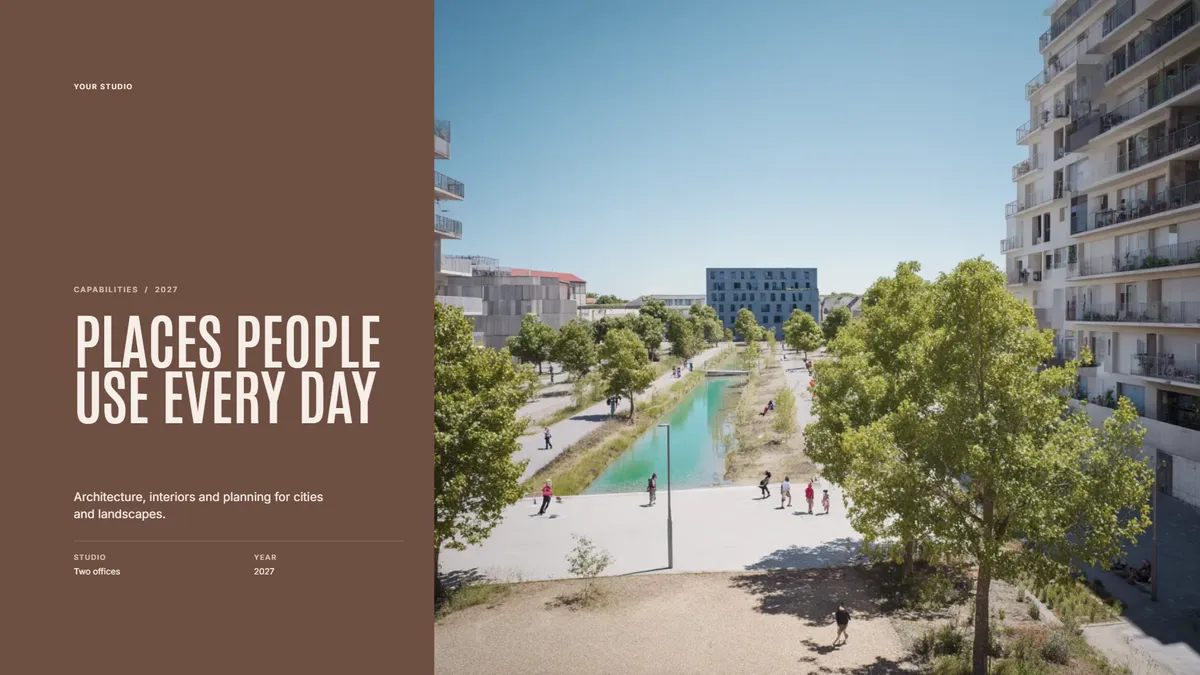
Free template
Firm Capabilities Deck
Who you are and what you do, for a first meeting with a new client. Make a copy in Foveate and swap in your own project.
About the Author

Kitae Kim
Architect with 10 years of experience in design and client communication. Co-founder of Foveate, the pursuit and client experience platform for AEC firms. Former studio lead who saw too many winning designs lose to worse proposals.
More on finding better clients
Insights
Business Development for Architecture Firms
Most architecture firms treat business development as something that happens between projects. The firms winning the most competitive work treat it as the project. Here's the complete lifecycle: positioning, prospecting, qualifying, proposing, following up, and growing accounts.
How To
How to Find Clients as an Architect: Beyond Referrals
Most architects find clients through referrals. This works—until it doesn't. Referral-dependent practices have no control over their pipeline. Here are 6 strategies to supplement referrals with intentional client acquisition.
Insights
Stop Marketing to Other Architects: How to Reach the Clients Who Actually Hire You
Architecture firms spend millions chasing features on ArchDaily and Instagram followers who'll never hire them. Your actual clients—developers, hospital CFOs, corporate facilities managers—are somewhere else entirely. Here's where to find them.
This article is part of our guide to architecture business development.
Explore Foveate for Architecture Firms