Images, video, and sound, made where you present them.
Generate pictures, renders, video, voiceover, and working calculators and charts on a board, on a slide, or from your 3D model. Every image and video lands in your Library with the prompt, the model, and the pictures it was made from.
Make it when you need it.
The render for tomorrow's review, the dusk version the client asked for, the film and voiceover for the interview. Made where you present them, and filed where the team can find them.
Make it where it's needed
Generate the picture, the clip, or the voiceover on the board or slide that needs it, without exporting to another tool and back.
One model, stills and films
The 3D model you share as a walkthrough also gives you a render of any saved view and a film of its camera path.
Know where it came from
Each image and video keeps its prompt, its model, and the pictures it was made from, so anyone on the team can trace it or make another.
Generate on the board or the slide.
Open Generate Media on a board or a slide and choose from current image and video models in one window. Start from a site photo, a sketch, or a 3D view, add up to ten reference images, and drag a box over any part of a picture to change just that part. On a board, each result lands beside the picture it came from.
- Image and video models including Nano Banana, FLUX, Seedream, GPT Image, Veo, Kling, and Runway
- Animate a still into a clip with sound, extend it, change its aspect ratio, or upscale it to 4K
- Capture a still or a clip from Rhino, Unreal, Blender, or Twinmotion, then generate from it
Render any view. Film any path.
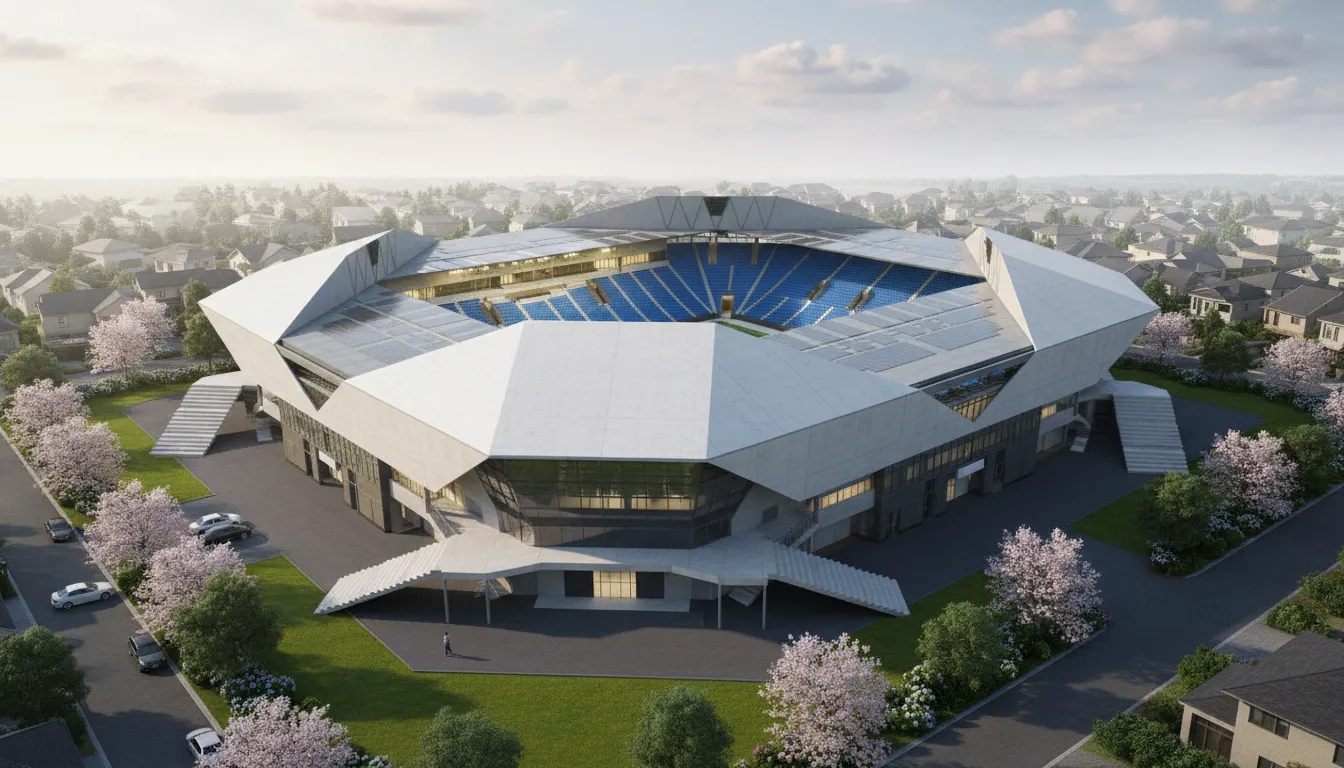
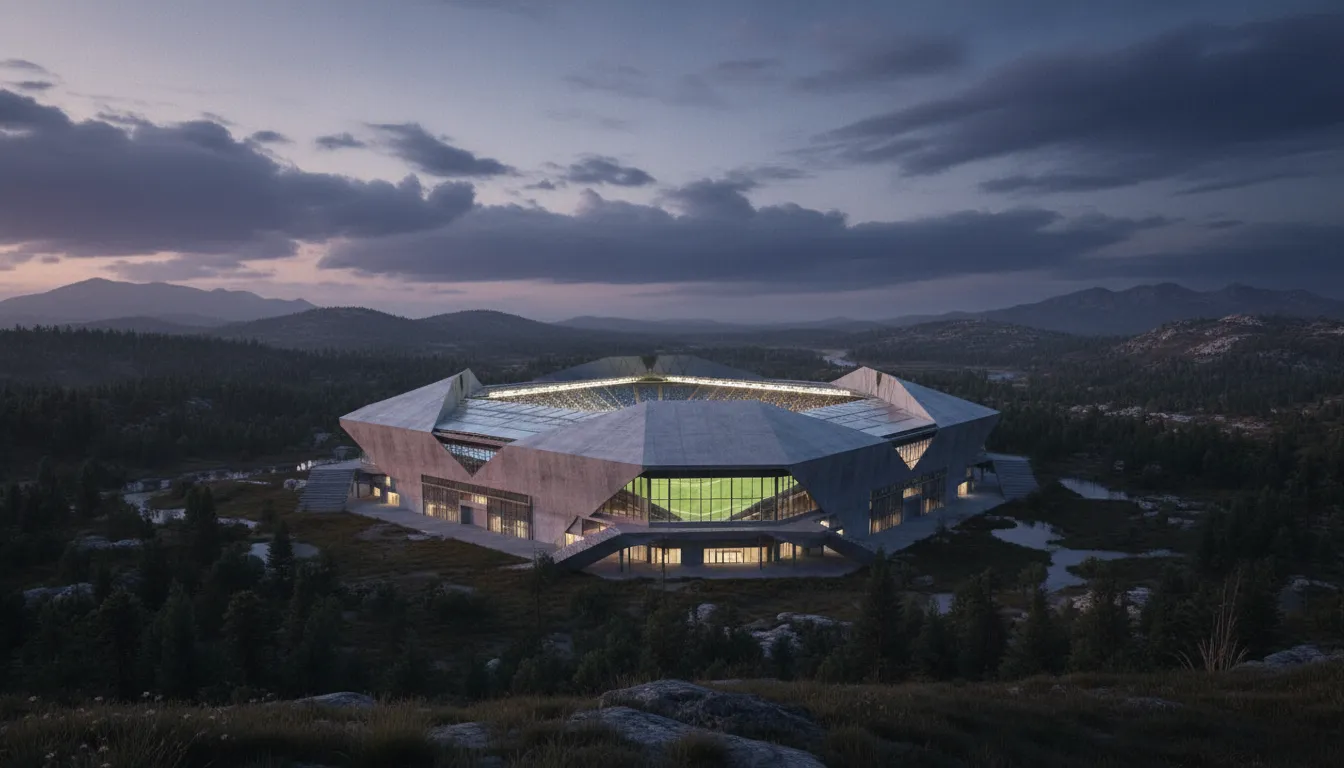
Upload your model and save the views you want. Render a view with AI and it keeps your camera and geometry while you choose the time of day, the setting, and a style picture to match. Turn the saved views into a camera path and export it as a video, or film it with AI. It works the same on 3D models, splats, and Previs.
- Render a saved view at morning, noon, dusk, night, or golden hour, in an urban, suburban, rural, or coastal setting
- Drag a box over a finished render to add a fountain or take out a car, and the rest stays as it is
- Export the camera path as a 1080p video, or film it with AI video models and upscale it to 4K
 Original


Describe it, and it works on the slide.
Insert a Custom block and describe what you need: a fee calculator, a project timeline, a chart, or tabs comparing design options. Foveate builds it in place, and it works: sliders move, tabs switch, and totals update. Change it in plain words, or rebuild it from a new description.
- Calculators, charts, timelines, tables, and tabs, built from a sentence
- Styled with your deck's colors and fonts, and it follows when you change the theme
- Runs in the editor, in present mode, and on the share link
Every result, filed with where it came from.
The images and video you generate land in your Library on their own. Open a render and its details show the model, the prompt, the saved view, and each picture it was made from: the image it changed, the references, and the style picture. On a board, a film strip beside each result shows every step back to the original.
- See the source image, references, and style picture behind each result
- Follow each step back to the original: generated, edited, animated, upscaled, or extended
- Find a render by the words you prompted it with, and copy or reuse the prompt to make another
Everything you can generate.
Pictures, clips, sound, and blocks that work on the slide, each made where you'll use it.
Images
Make a picture from a prompt, a sketch, or a site photo, with up to ten references. Change any part with a box, remove a background, or upscale to 4K.
On boards and slides, and in the assistant
Video
Animate a still into a clip with sound, extend it, change its aspect ratio, or upscale it to 4K, with Veo, Kling, Seedance, and Runway.
On boards and slides, and in the assistant
Audio
Turn a script into a voiceover, describe a sound effect, change a voice, or dub a clip into another language, with ElevenLabs.
In Previs
Renders
Render any saved view of your 3D model at the time of day and in the setting you choose, with a style picture to match.
In walkthroughs and Previs
Films
Export a camera path through your model as a 1080p video, or film it with AI video models and upscale it to 4K.
In walkthroughs, splats, and Previs
Custom blocks
Describe a calculator, a chart, a timeline, or tabs comparing options, and it's built on the slide, working, in your deck's theme.
On slides, in Presentations
Each generation shows its price in credits before you run it, and every plan includes credits. See pricing →
Make it where you present it.
Start free with 200 credits. Pro is $39 per person a month, billed annually. Or bring a pursuit you're running now and we'll walk it through with you.