For real estate developers
Your architect shouldn't be sending you V15 of a PDF.
Every design revision creates another document to review, another email to track, and another opportunity for feedback to get lost.
Foveate gives developers one interactive place to review architectural designs, explore 3D presentations, share feedback, and keep project stakeholders aligned.
Free forever. No credit card required.
The problem
Design reviews shouldn't be an exercise in finding the right attachment.
Tower_B_SD_V14_final.pdf
Endless revisions
V12, V13, V14. Every update means another file to open, compare, and circulate.
Re: Re: Fwd: lobby comments
Feedback scattered everywhere
Comments arrive through emails, meetings, screenshots, and separate documents. Getting everyone on the same page takes more time than it should.
Amenity level, page 47 of 112
Design intent gets lost
Static presentations make it hard for development teams and other stakeholders to understand the full design, especially complex 3D spaces and experiences.
The solution
Stop reviewing files. Start reviewing the actual design.
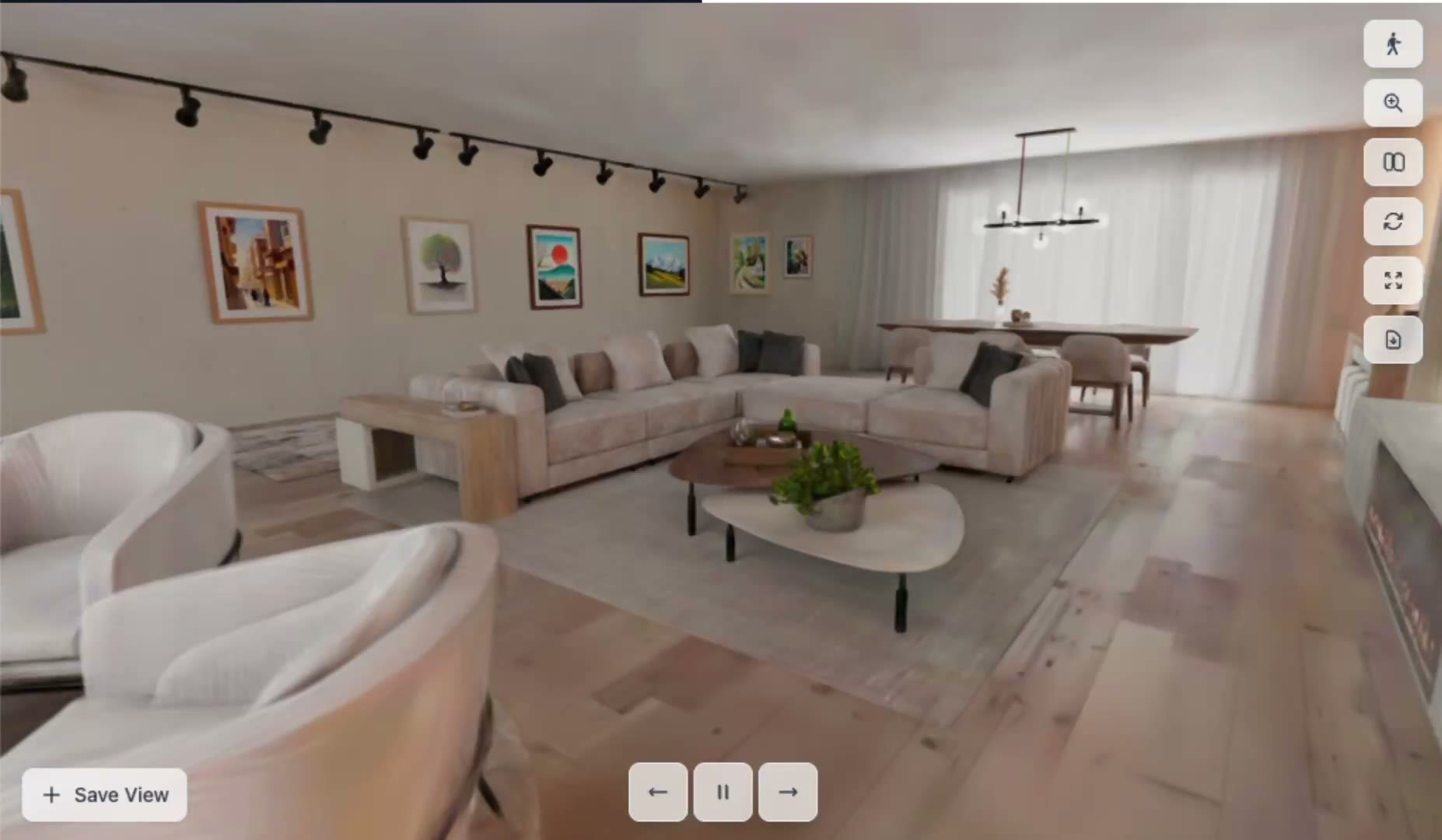
Foveate turns architectural presentations into interactive experiences: drawings, renderings, 3D, and video together on one link that always shows the latest version.
One link replaces the attachments. When the presentation is updated, everyone sees the latest version, comments and all.
Your architect, your consultants, and your team finally review the same version, in one place.

One link replaces the attachments. When the presentation is updated, everyone sees the latest version, comments and all.
Your architect, your consultants, and your team finally review the same version, in one place.
One link replaces the attachments. When the presentation is updated, everyone sees the latest version, comments and all.
Your architect, your consultants, and your team finally review the same version, in one place.
Explore the design
See the spaces, not just the pages.
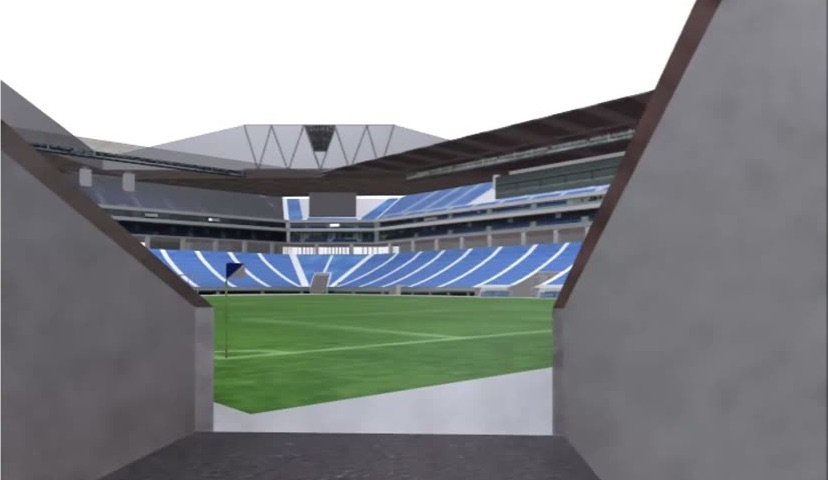
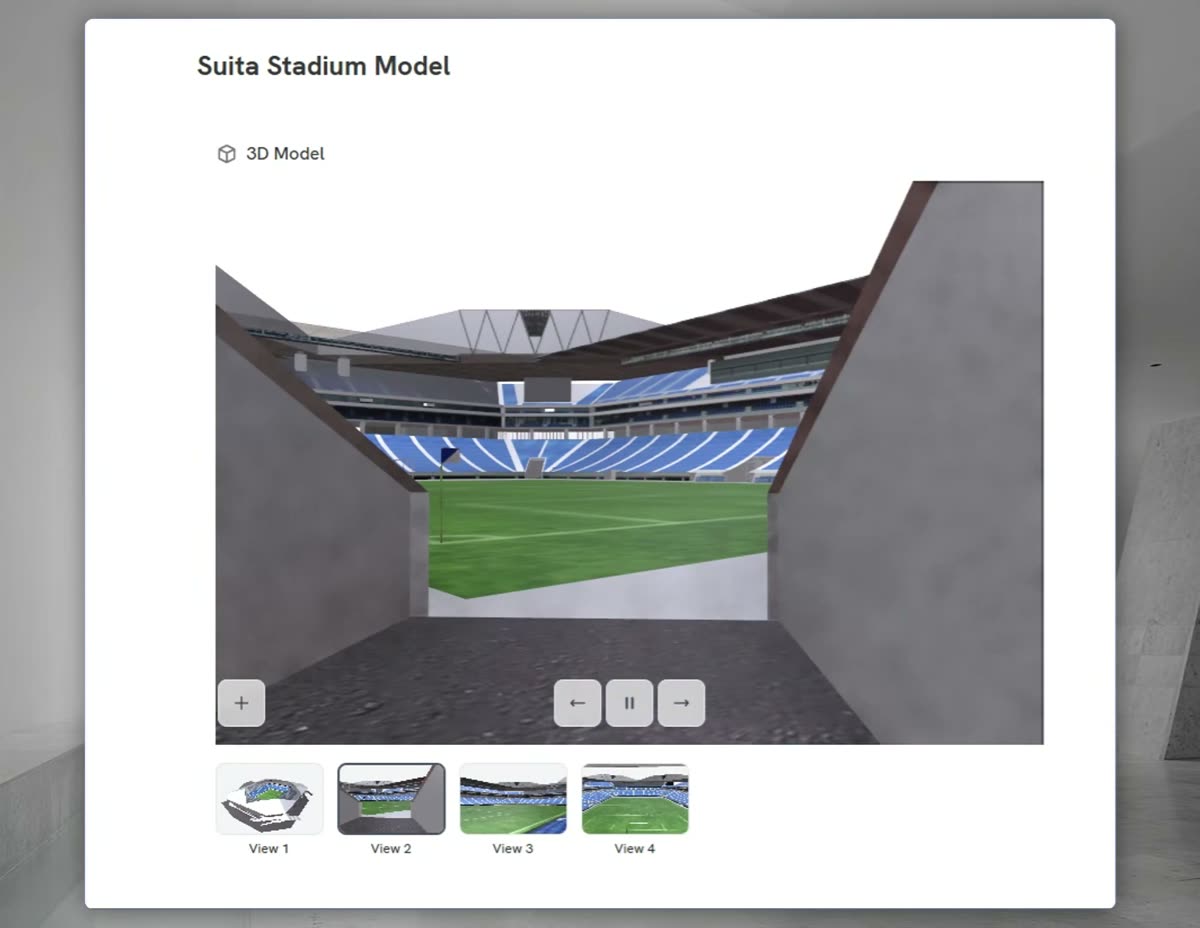
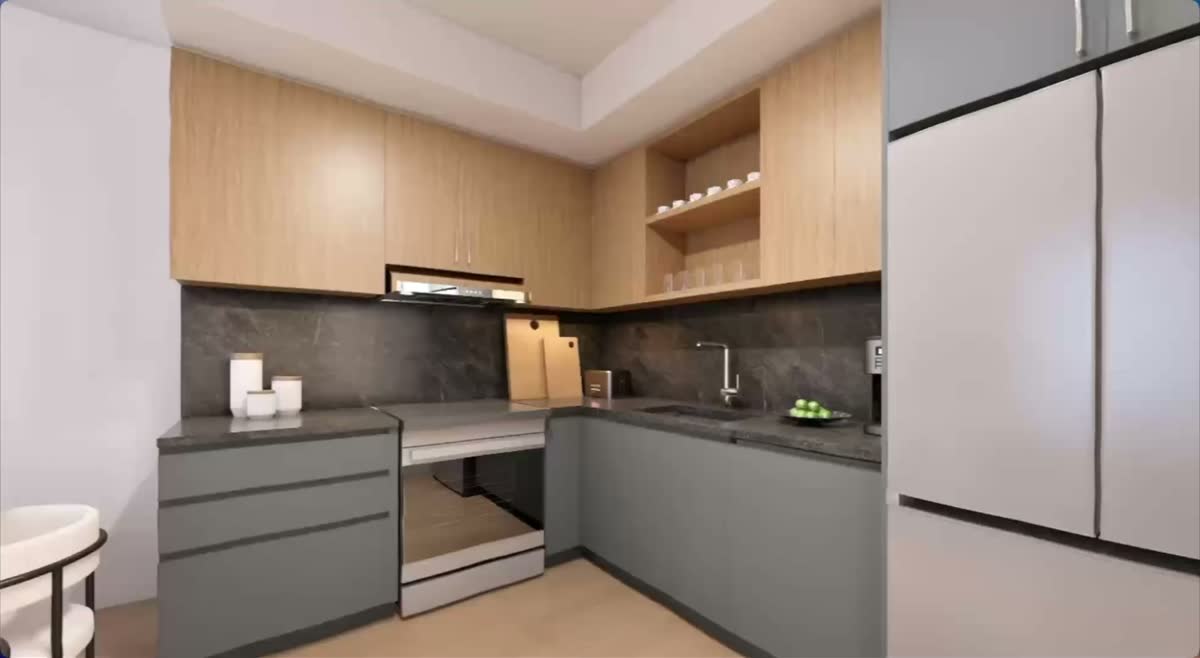
View renderings, drawings, 3D models, animations, and video in one interactive presentation. Orbit the model or walk a 360 tour in the browser, with nothing to install.
- 3D models and 360 tours, right on the slide
- Click through design options side by side
- Drawings stay sharp when you zoom in
Share feedback
Feedback that stays on the design.
Pin a comment, mark up a drawing, or record a video note on the slide it's about. Each one keeps a name and a date, so nothing gets lost in an inbox.
- Pins, markups, and video notes on the slide
- Resolved comments keep their history
- No account needed to leave feedback
Feedback on shared links is included from the Starter plan.



Context

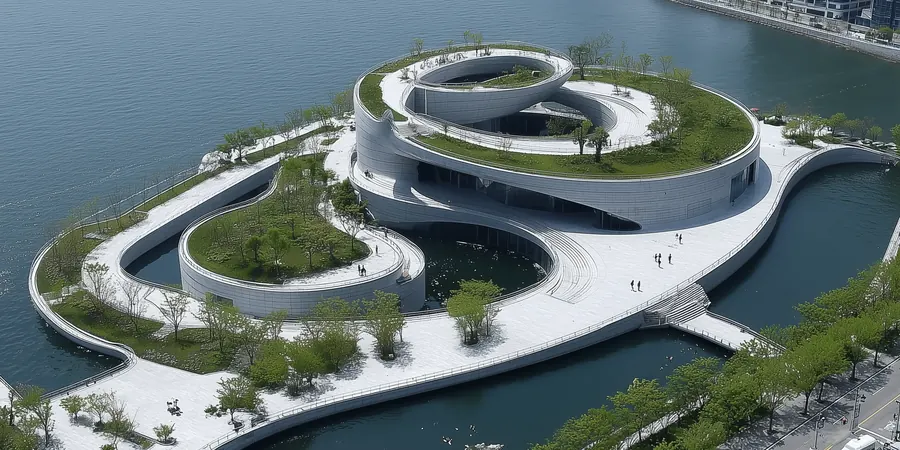
Site and arrival
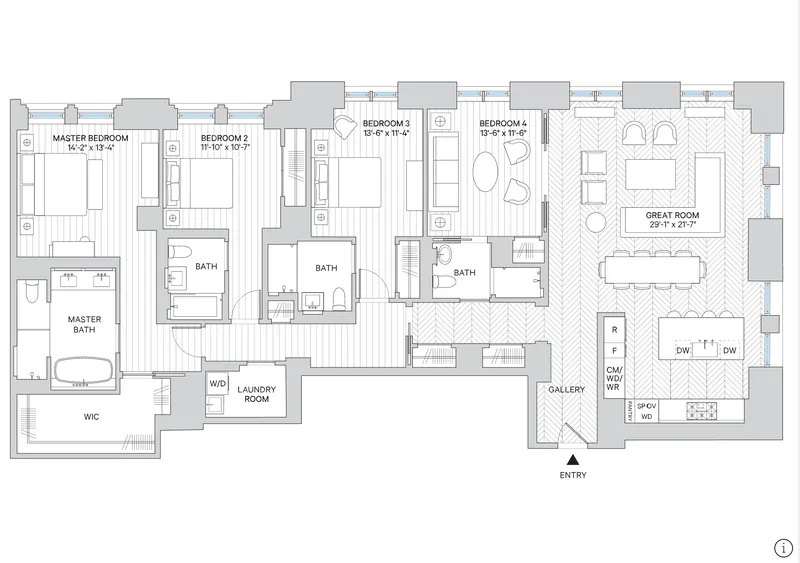
Level 2 plan

2 hours ago

20 minutes ago
 Drawing on this slide
Just now
Bring everyone into the conversation
One link for the whole project team.
Share a single link with your internal team, ownership, your architects, and outside consultants. It opens in any browser, and it always shows the latest version.
- Opens in any browser, with nothing to download
- Password protection and expiring links on Starter
- See who's opened it before the meeting, on Pro
 Sarah A.Client lead
Opened 3 times · Most time on Massing options
14min Markus R.Board member
Opened twice, last on Tuesday · Most time on Phasing
9min Dinesh K.Consultant
First opened today · Most time on 3D walkthrough
4min
“Can we walk the board through option B before Thursday?”
How it works
From architect presentation to aligned stakeholders.
 0:18
Step 1: Upload the presentation
Start with the PDF or PowerPoint your architect already sent you. It comes in as slides you can work with.
Step 2: Make it interactive
Add the 3D model, the fly-through video, the 360 tour, or design options to click through. Every format travels in one link.
Step 3: Share one link
Give your development team and project stakeholders one place to explore and review the work.
Free forever. No credit card required.
Built for the people behind the project
Designed for the entire development team.
Development leadership
Make design reviews more productive and spend less time chasing updates and feedback.
Development managers
Review presentations and revisions without digging through endless email attachments.
Design and construction leadership
Help stakeholders understand design intent through richer visual presentations.
Owners' representatives
Make it easier to share architectural work and guide client discussions.
Still choosing an architect? See how owners compare design proposals
For your architects
Your architects benefit from better presentations, too.
Foveate doesn't ask your architects to abandon their design tools. It gives them a better way to present their work to you.
They bring the files they already make. They can start free too, and invite you to comment at no cost to you.
See what Foveate does for architectsWhat they already make
- Renders and animations from the tools they use today
- Drawing sets as PDF, SVG, or Illustrator files
- 3D models exported as GLB or glTF
- The PowerPoint or PDF deck they'd have emailed you
Try it on your next design review.
Take a presentation you're already reviewing. Upload it to Foveate, explore the interactive experience, and share it with your team.
- $0, forever
- 200 AI credits
- Up to 3 team members
- No credit card
No sales call needed. Book a demo only if you'd like a walkthrough.
Questions from developers
- What is Foveate?
- Foveate is a browser-based presentation platform for architectural and design work. It puts drawings, renderings, 3D models, 360 tours, and video in one interactive presentation that anyone can open from a link, with nothing to download or install.
- Can I use Foveate with presentations from my existing architects?
- Yes. Upload the PDF or PowerPoint your architect already sent you and it comes in as slides you can add to and share. If your architect builds in Foveate directly, you get a link instead of an attachment, and that link always shows their latest version.
- Do architects need to change their design software?
- No. Foveate works with what their tools already export: renderings, PDF drawing sets, PowerPoint decks, GLB and glTF models, 360 panoramas, and video. Their modeling and rendering software stays exactly where it is.
- What kinds of files can I upload?
- PDF, PowerPoint, Word, and InDesign HTML5 for presentations. JPG, PNG, TIFF, and HEIC images. Drawings as PDF, SVG, or Illustrator files. glTF and GLB 3D models, Gaussian splats, 360 panoramas, and MP4 or MOV video. Matterport, Sketchfab, and Google Maps can be embedded live on a slide. DWG and DXF files aren't supported.
- Can I share presentations with my development team?
- Yes. Every presentation has one link that opens in any browser. The Free plan includes up to 3 team members, and outside collaborators you invite to comment join for free. Feedback pinned directly on a shared link, password protection, and expiring links start on Starter. Seeing who opened a link and how long they spent on each slide starts on Pro. 3D content plays on desktop; phones show a still image.
- Does Foveate replace BIM or construction document management software?
- No. Foveate isn't a BIM, drawing management, or construction document tool, and it doesn't track formal drawing revisions. Keep using Revit, Bluebeam, Procore, or Autodesk Construction Cloud for that work. Foveate is where the design gets presented, explored, and discussed.
- Is there a free plan?
- Yes. Free is $0 forever, with no credit card required: 200 AI credits, 1 workspace, up to 3 team members, 1 GB of storage, and up to 8 creations. Paid plans start with Starter at $16 per person a month, billed annually, or $20 billed monthly.